Discover how new workspace organization, faster file loading, non-destructive modeling and greater import and export control speed up your industry’s unique workflows.
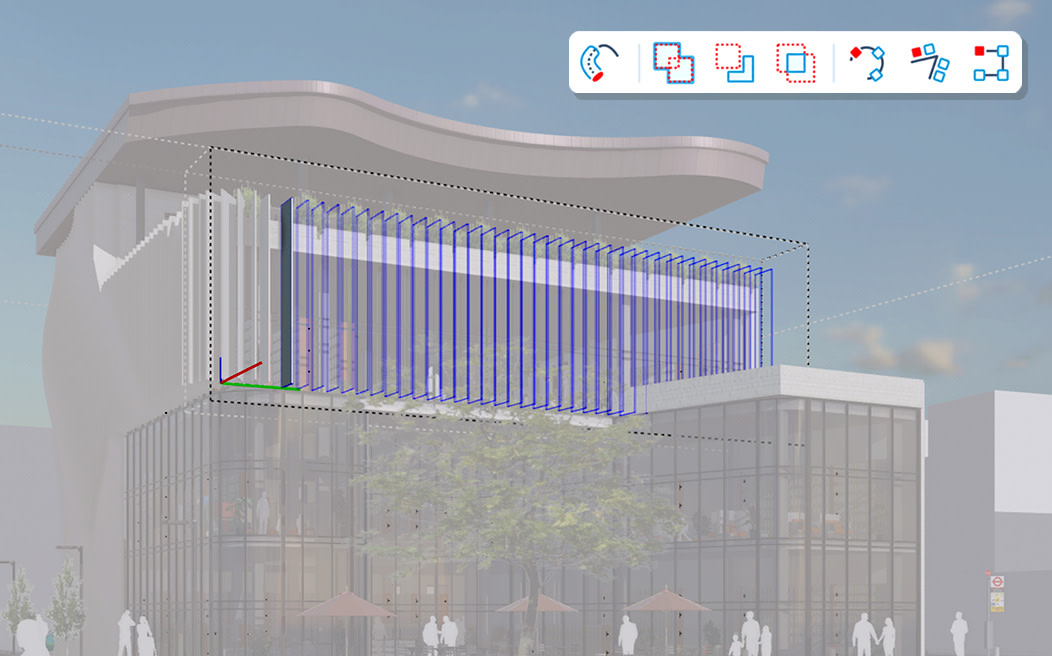
SketchUp’s newest capabilities drop seamlessly into your workflow. Non-destructive design tools, faster documentation and file exports, and a modern, organized workspace power your momentum from first concept to final deliverable.
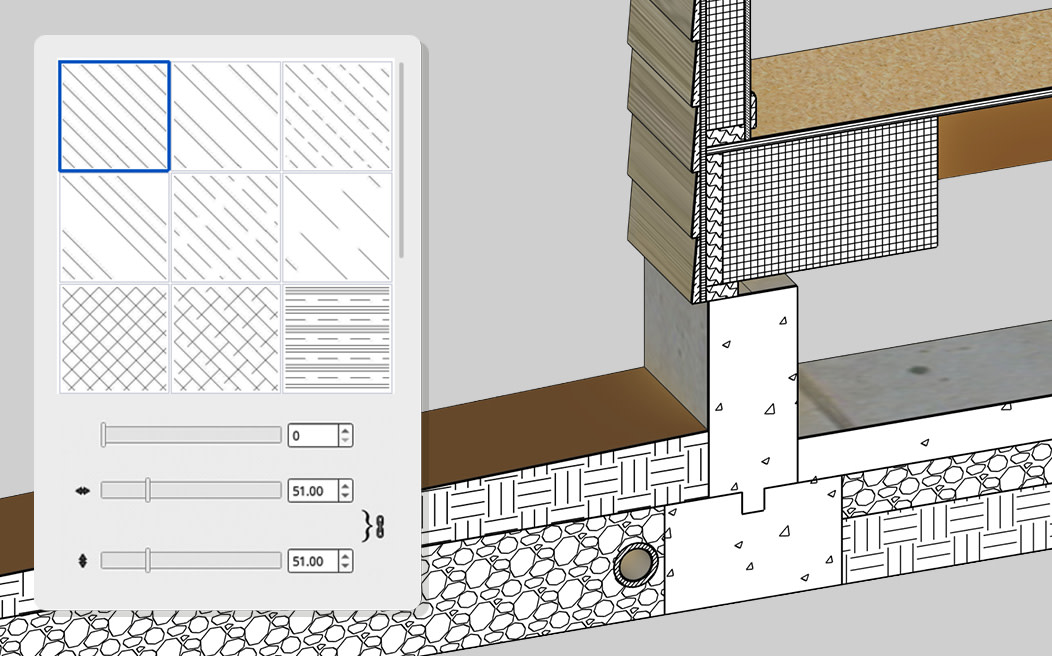
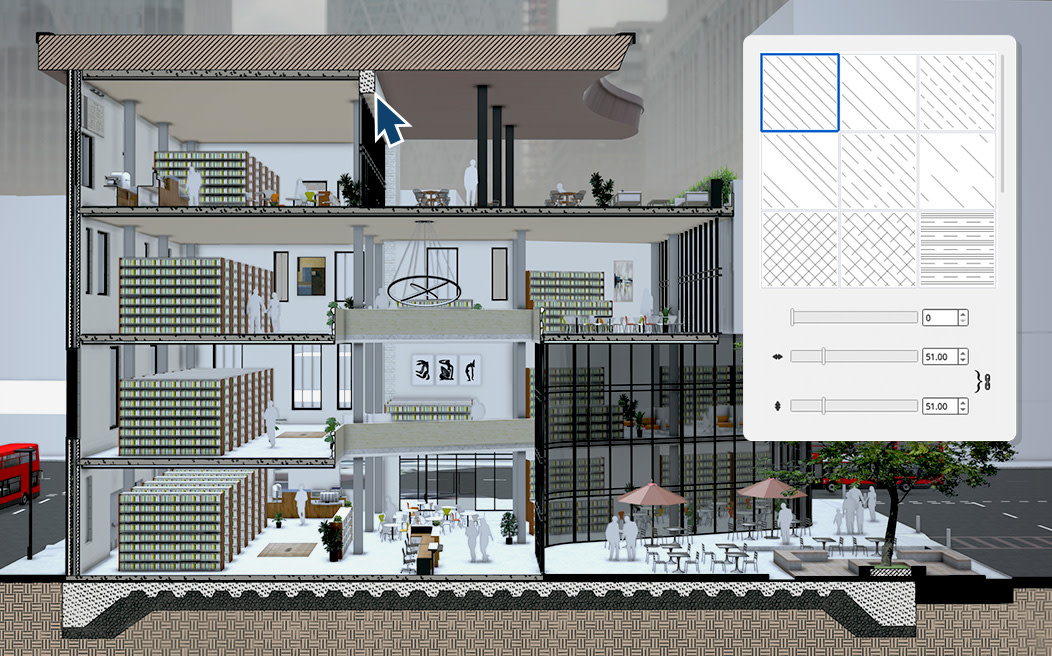
Iterate faster with native, non-destructive modeling in tools you already know. Refine your model without rebuilding geometry, plus new parametric objects automatically fit to faces in your model, and section cuts convey accurate material hatch patterns.

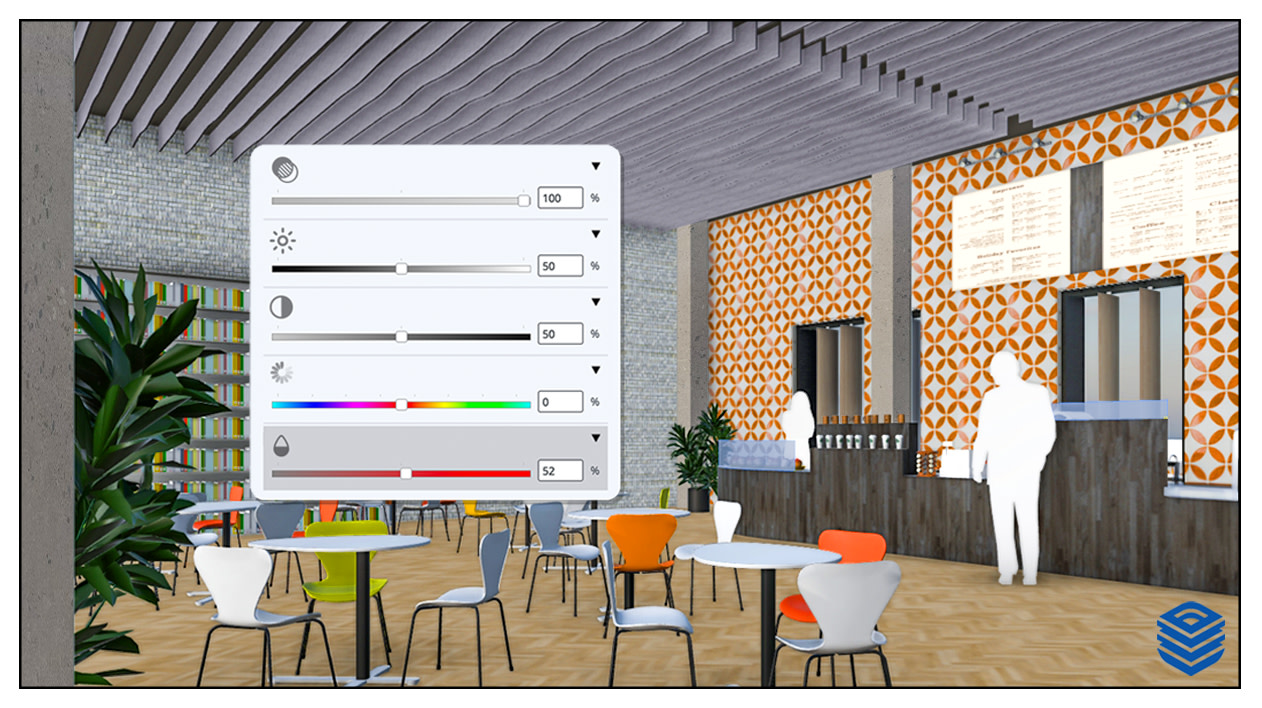
Your software should move as fast as you do. Improved graphics offer peak speed in file loading, rendering and exports. Draw Mode lets you draw in 2D with total freedom from page constraints, and in-app image adjustments mean you can do more in LayOut.

Experience a consistent interface and feature set plus rock-solid stability across Mac and Windows. Dynamic multi-file control lets you navigate quickly between models for streamlined editing and customize your tools with a new workspace organization.

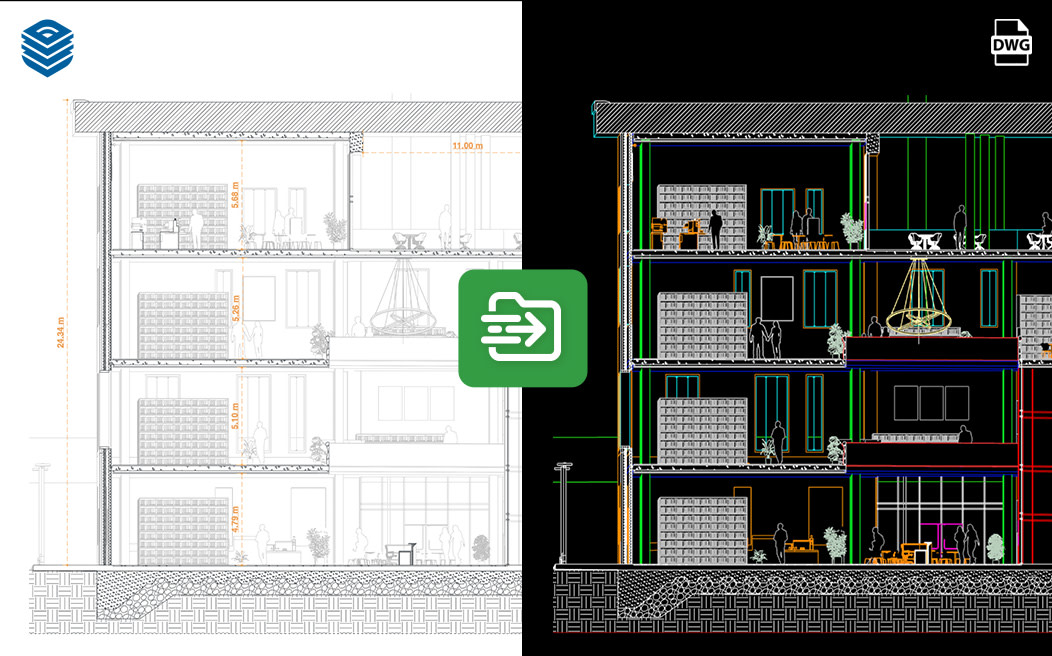
Accelerate design-to-documentation workflows across the file formats your team already relies on. Stronger CAD, BIM and 3D integrations keep geometry and data intact, so sharing models between software stays fast and friction-free.

Realize your vision without constraints. See how SketchUp’s newest features empower you with workflows and design tools that fuel your creative momentum and your business.
Interested in trying the 3D modeling tool trusted by over one million subscribers? Explore our plans to find the right fit for your creative needs. Get access to the latest features and never miss out on new ways to optimize your workflow while staying secure.
As an existing subscriber, you can update SketchUp immediately. Download the latest version of SketchUp for Desktop. Visit the Help Center for instructions on how to update all applications, including SketchUp for Web and iPad.
Read our release notes and blog for all the details. Join our webinar to discover what’s new in 2027 and get tips to refine your workflow.
SketchUp for Desktop requires certain hardware and software specifications to install and run.
Please note: SketchUp for Desktop 2027 requires Apple Silicon for macOS installation. For Intel Mac devices, please install SketchUp 2026. SketchUp for Desktop 2027 requires Windows 11 for Windows installation. For Windows 10 and previous, please install SketchUp 2026.
SketchUp for Desktop has built-in tools to smoothly migrate extensions and elements from previous versions. For more information, read this Help Center article and learn how to migrate your extensions, templates and custom materials smoothly.