Innovator and designer extraordinaire, Bob Pineo of Design Develop LLC, a full-service architecture firm, has been working in the architecture industry for over 20 years. The firm he helps manage has offices in Charlottesville and Baltimore. They use SketchUp and Trimble technology to run and grow the business and accelerate their workflow on a variety of large and small design projects. Tune in as we sit down with Bob and the entire DD team and learn all about the company’s background, and their super-efficient process.
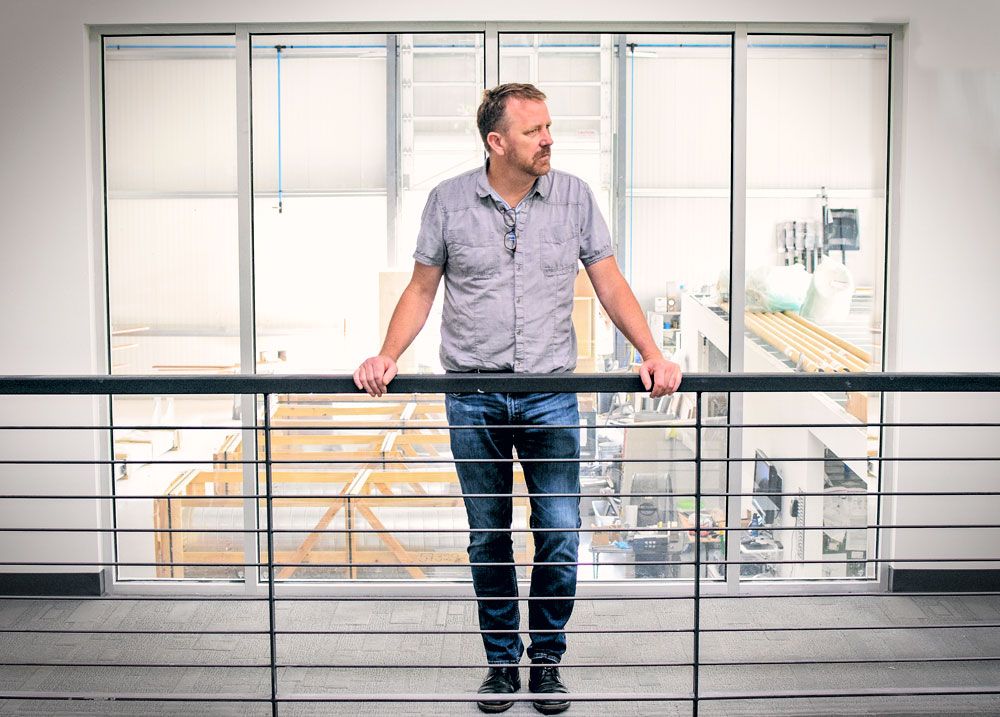
Bob Pineo at the Design Develop headquarters.
Tell us a little bit about your background and how you got started with SketchUp.
My background is in building construction, and I got more involved in design later on in my career. Around that time, I was using CAD documentation to communicate designs to clients but quickly realized most clients had a hard time understanding these technical, 2D plans.
“I switched to SketchUp and Lumion exclusively because it helped me speak the same language as my clients — 3D. I’ve been using SketchUp for over 15 years now!”
SketchUp is such a versatile tool and allows our team to iterate quickly using direct feedback from clients. With SketchUp, I’m able to take my conceptual ideas and morph them into a design — and then update that design as details change. It’s very fluid and flexible, which is what our company needs. We also use SketchUp as a “training” tool for architects. I believe that the more you conceptualize space and iterate, the better architect you become. There are always hundreds of ways to design something, so it’s good training to be able to explore those options.
Contrary to popular belief, I believe SketchUp is more than just a presentation tool, it’s a tool to help understand a space before we start presenting ideas.
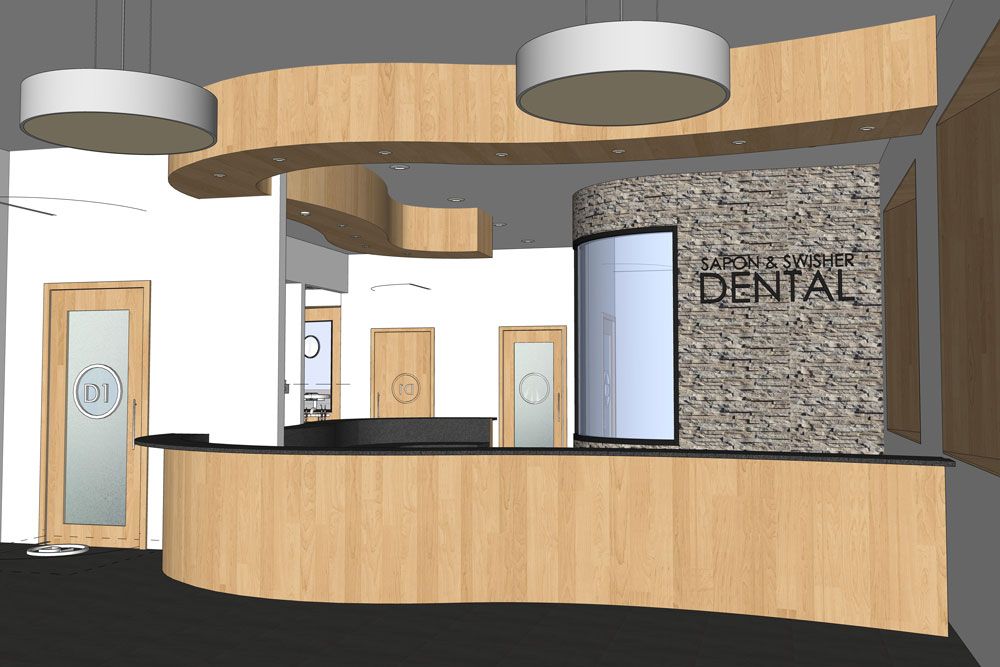
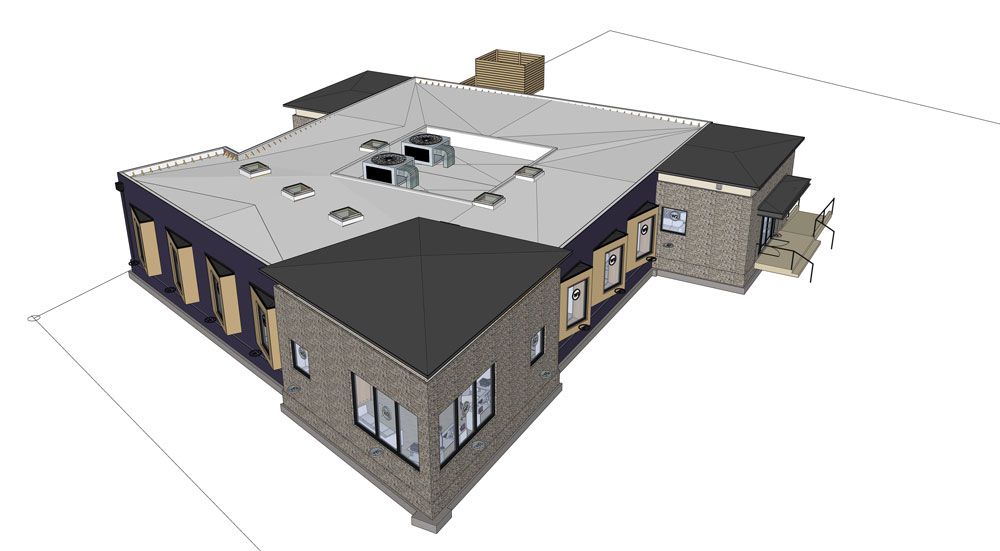
SketchUp is being used on a commercial project. Project: Sapon and Swisher Dental Office.
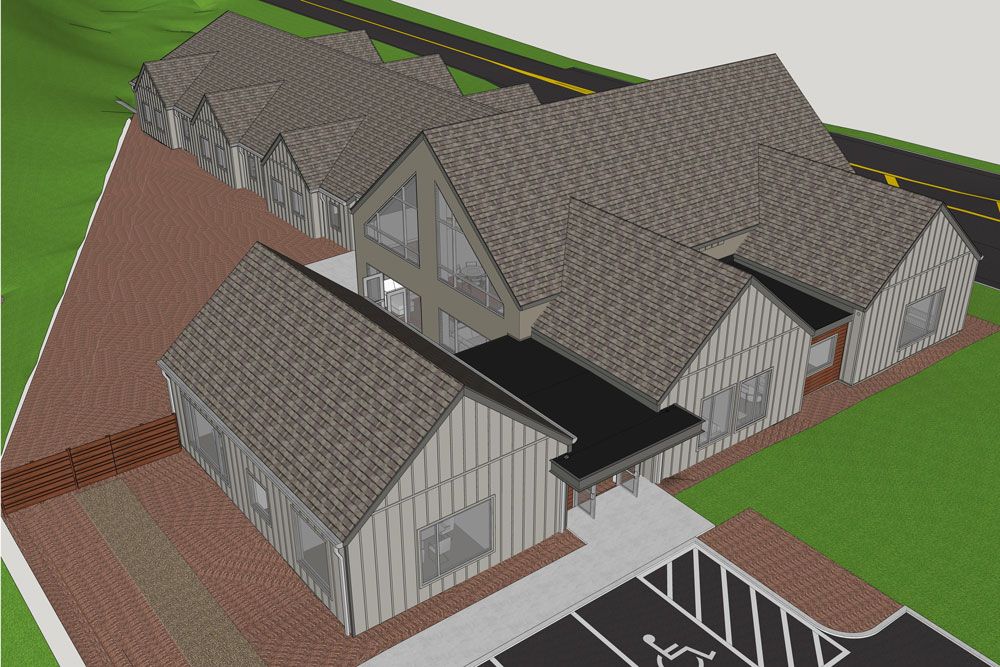
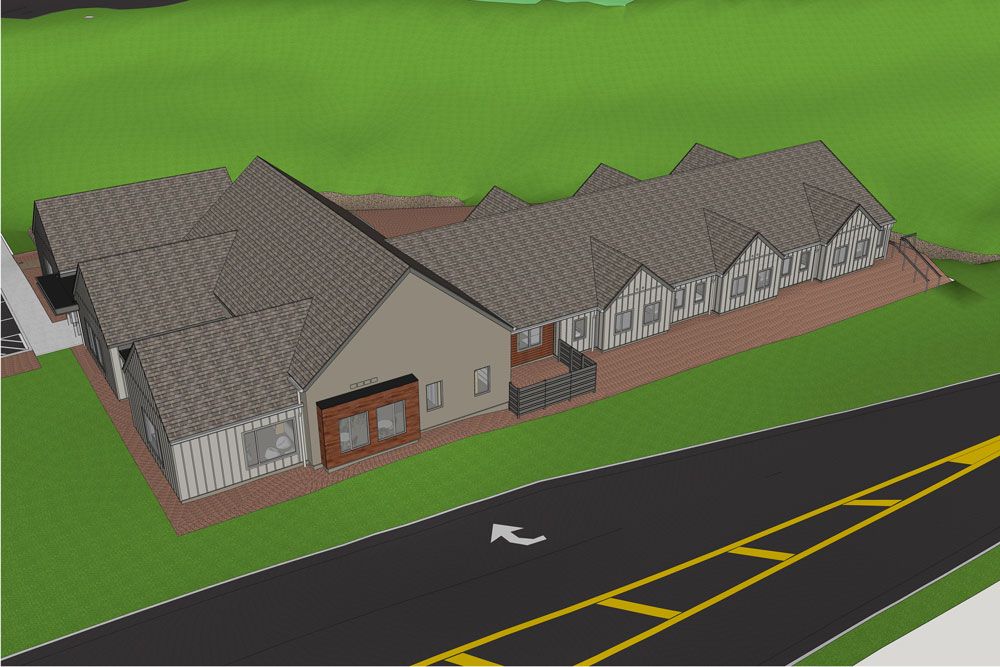
SketchUp in action. Project: The Women’s Center.
Tell us a little bit about the company and what projects you take on.
Our company has transformed from solving one or two small design challenges to high-level graphic expressions of larger design ideas and challenges on a wide variety of architectural projects. We are innovators and technology seekers.
We also don’t have a “typical” type of project. We are all generalists. We will work on any type of project — whatever comes in the door — from residential spaces to industrial facilities, handling all stages of involvement from city approval efforts to construction administration. We enjoy this because we get a lot of project variety and more ways to be creative.


A wide variety of projects coming to life.
What sets your team apart from the rest?
I believe we are excellent listeners. As soon as someone wants to use an architect, it means they are incredibly invested in everything from cost, budget, time, and energy so we respect that by including them in every step of the design. We make sure they are comfortable and they understand what we are proposing. We have offices in Charlottesville and Baltimore and these guiding principles translate to success in both a small-town market and a larger, regional-based service firm.


Communicating the details to ensure a successful final build. Swipe to the right to see the before image in SketchUp. Project: Ivy Proper.
Tell us about your workflow from start to finish.
As I mentioned, all of our projects are different so it really depends on what we are doing. As a shell or a guideline, here’s what our process looks like:
We start out by determining the timeline, budget, and design requirements with the client. Once we have a good understanding of the project, we go to the site and scan it with the Trimble X7 and pull that data into SketchUp via Scan Essentials. This is a fairly new part of our process and has saved us time and money. We used to hire this out with a third-party surveyor and we’d always have issues with the files and getting the data in a timely manner. Now we do this all in-house. We’ve even expanded our business by selling this service to other companies.
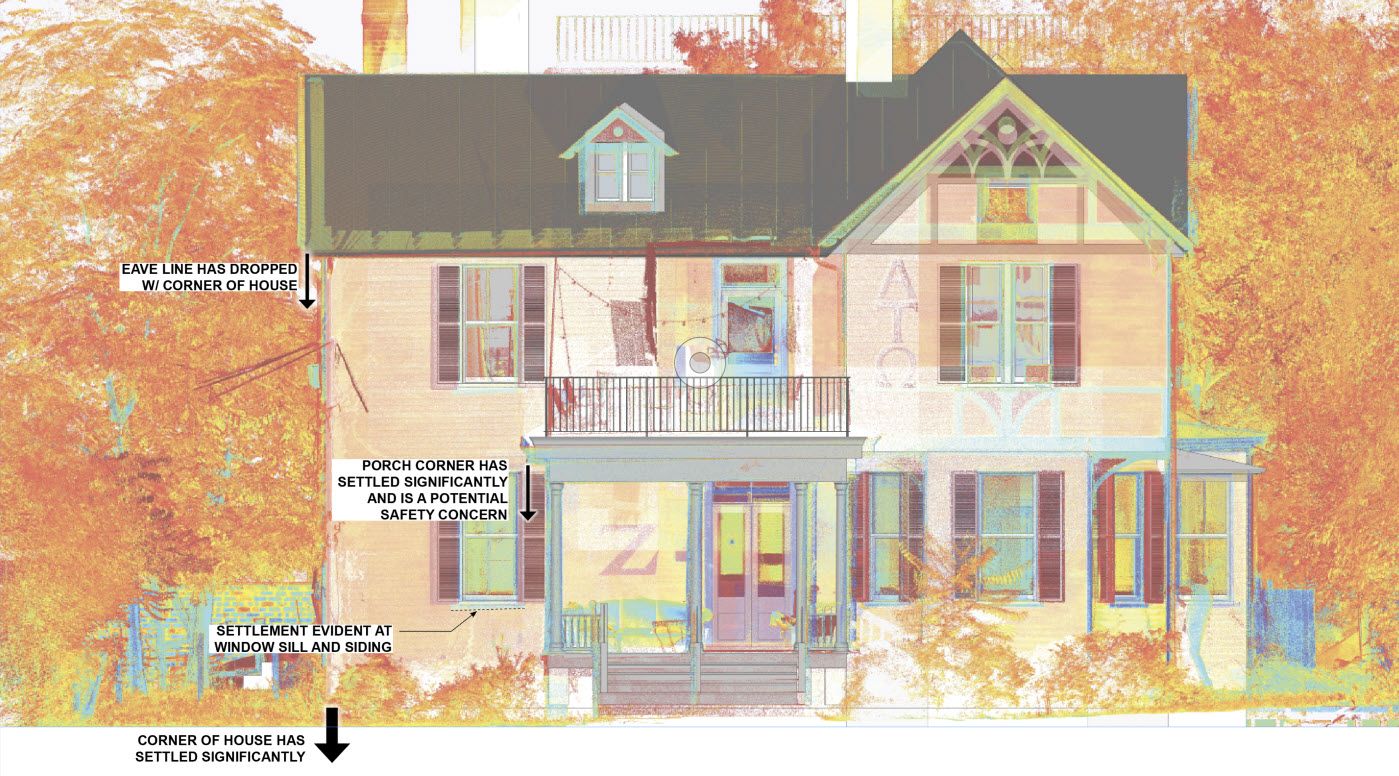
Using point cloud data to represent the as-built condition.
After importing point cloud data, we move on to the conceptual design phase. Based on the client’s requirements, we come up with a variety of design options utilizing both SketchUp and Lumion. This is a fluid, back and forth process where we work with the client to ensure the design will work for their needs. Clients start to fall in love with the concepts when they can see it in 3D. They can picture themselves in the space and it’s an exciting time.
Once the design details are finalized, we price everything out to make sure we stay within budget. Then we get to the build phase. We export our entire design into LayOut for construction documentation.
“In many cases, the LayOut documentation is the “holy grail” of the design because there is no room for error. Everyone refers to it.”
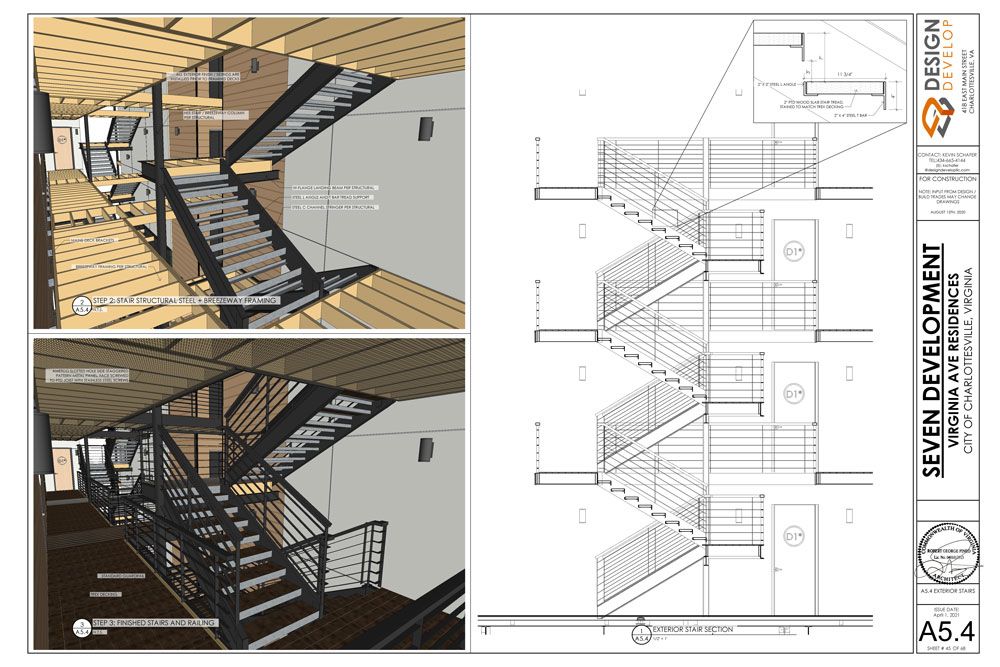
Getting into the details with LayOut documentation.
What are the benefits you get using the Trimble suite of products?
Combining Trimble products has helped grow our company exponentially. We use SketchUp, Trimble X7, and Scan Essentials. We don’t use technology just to use it. We use it to help streamline our workflow and grow our business. Incorporating this technology has been very straightforward and the ability to iterate wasn’t sacrificed.
“When we look for technology or new tools, we need them to be flexible enough for our projects without overdoing it — and that’s what Trimble offers us. These products are flexible, affordable, practical, and help everyone on our team get their job done efficiently.”
At the end of the day, we are known as innovators so we need technology to keep up with the pace of our projects.
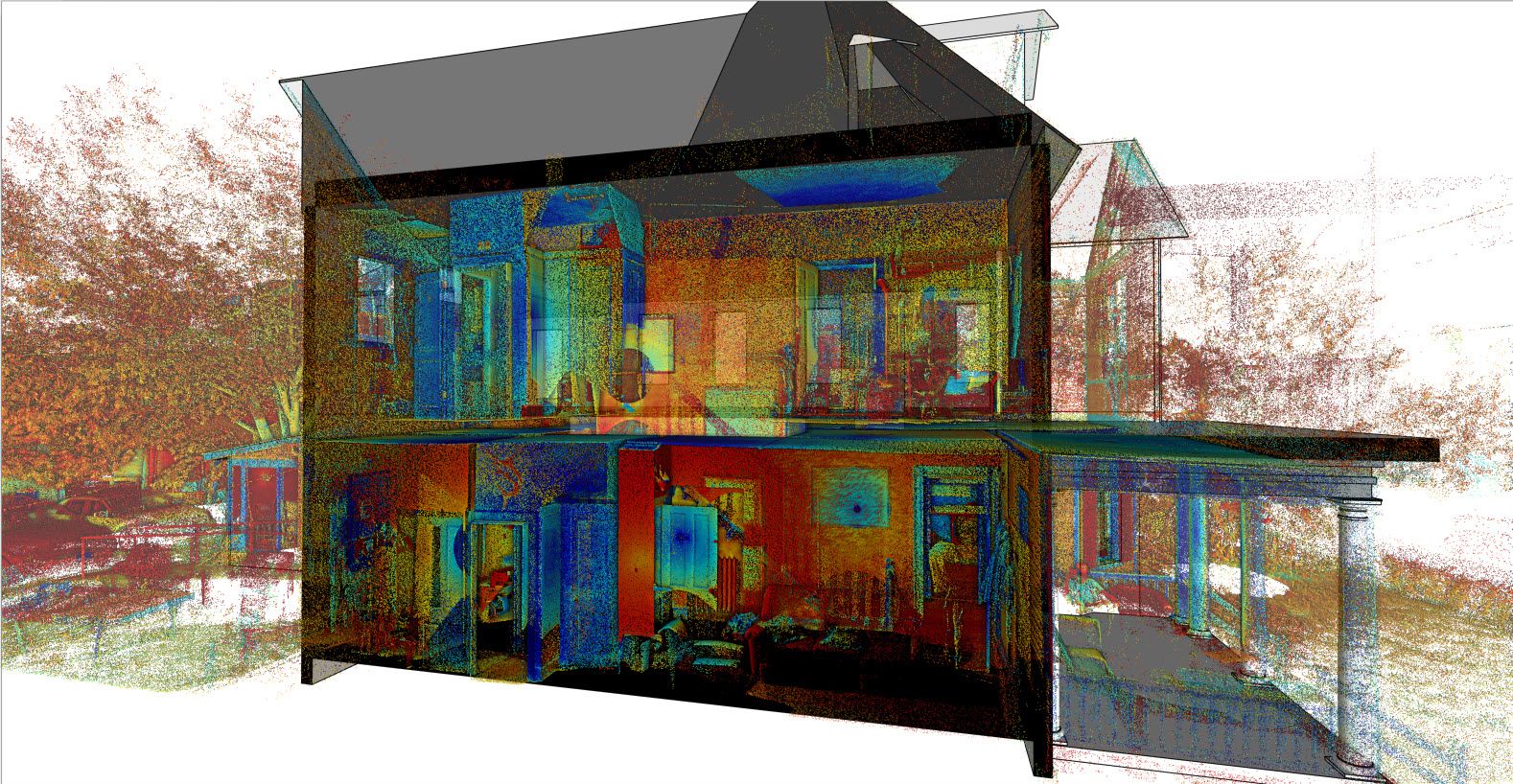
Using innovative technology in SketchUp: Scan Essentials.
What’s next for you and your team?
We have a desire to integrate more Trimble products such as Trimble RealWorks and CloudEngine. We’ve seen a lot of growth with our process using Trimble products so we want to see where else this can go. It’s an exciting time. As always we are so grateful to the folks at Sketchup and Trimble for all the great products and services they provide! We see ourselves being part of that family for years to come.