Skip to content

Ten general-purpose SketchUp extensions to use in your workflow

2 minutes read
| |
April 14, 2020

Share this post:

 SketchUp extensions

I love SketchUp’s native toolset because there is just so much you can do with it! Though, sometimes you need an extension to help you get your model done a little quicker and a little easier. These extensions are some of my personal favorite general-purpose extensions for SketchUp. These extensions (with maybe one exception) can be added to almost any workflow and help you to create better models faster.

  1. Selection Toys (Thomthom) - This extension is a must-have for EVERYONE. It allows you to filter your selections, making the act of choosing specific pieces of your model a snap… or a click!

  2. Bezier Curve Tool (SketchUp Team) - I draw a lot of arcs, but there are plenty of times that I also need to draw a curve that is not a symmetrical arc. When that happens I love the simple interface of Bezier Curve.

  3. Curic Mirror (Curic) - I know I can flip along an axis, or scale to -1.00 to mirror selected geometry, but Curic Mirror’s one-click interface is a time and headache saver!

  4. Curviloft (Fredo6) - Some shapes are easier than others to create with SketchUp’s native tools. Smooth, sweeping geometry can be achieved using arcs, push/pull, and scale, but sometimes you need to get a compound curved shape in one click. Enter Curviloft. A great way to loft between curves or skin line geometry.

    NOTE: Curviloft will require LibFredo to run.

  1. Weld (Smustard Team) - A simple function that you need an extension for, Weld takes care of joining multiple lines into curves with a single click.

  2. Solid Inspector2 (Thomthom) - Whenever possible, I like to make sure that my models are solids. Solid Inspector is the quickest, easiest way to make sure that happens.

  3. PushLine (Denis B) - Wait… an extension that allows you to push edges the same way that the Push/Pull tool allows you to push faces? What’s not to love?

  4. Joint Push/Pull (Fredo6) - Push/Pull only works on a single face at a time. If you have more than one connected, smoothed set of faces that need to be pushed around, then you need Join Push/Pull.

    NOTE: Joint Push/Pull will require LibFredo to run.

  1. Sandbox Tools (SketchUp Team) - Yeah, I know it is installed with SketchUp, but it’s still an extension! A great set of tools that took me far too long to appreciate!

  2. SubD (Thomthom) - When you join SubD with Vertex Tools and Quad Face Tools you turn SketchUp into a quadface, smooth geometry generating engine! While this set of tools does fall outside of the “falls into any workflow” promise that I mentioned in the intro, these tools to bring SketchUp a totally new 3D modeling workflow!

So there you go! Some of my personal favorite extensions for you to check out. The best part is, with one or two exceptions, they are totally free to use! Check out the links below to help you get the most out of extensions, and let us know YOUR favorite extension in the forum!

Adding Extensions to SketchUp

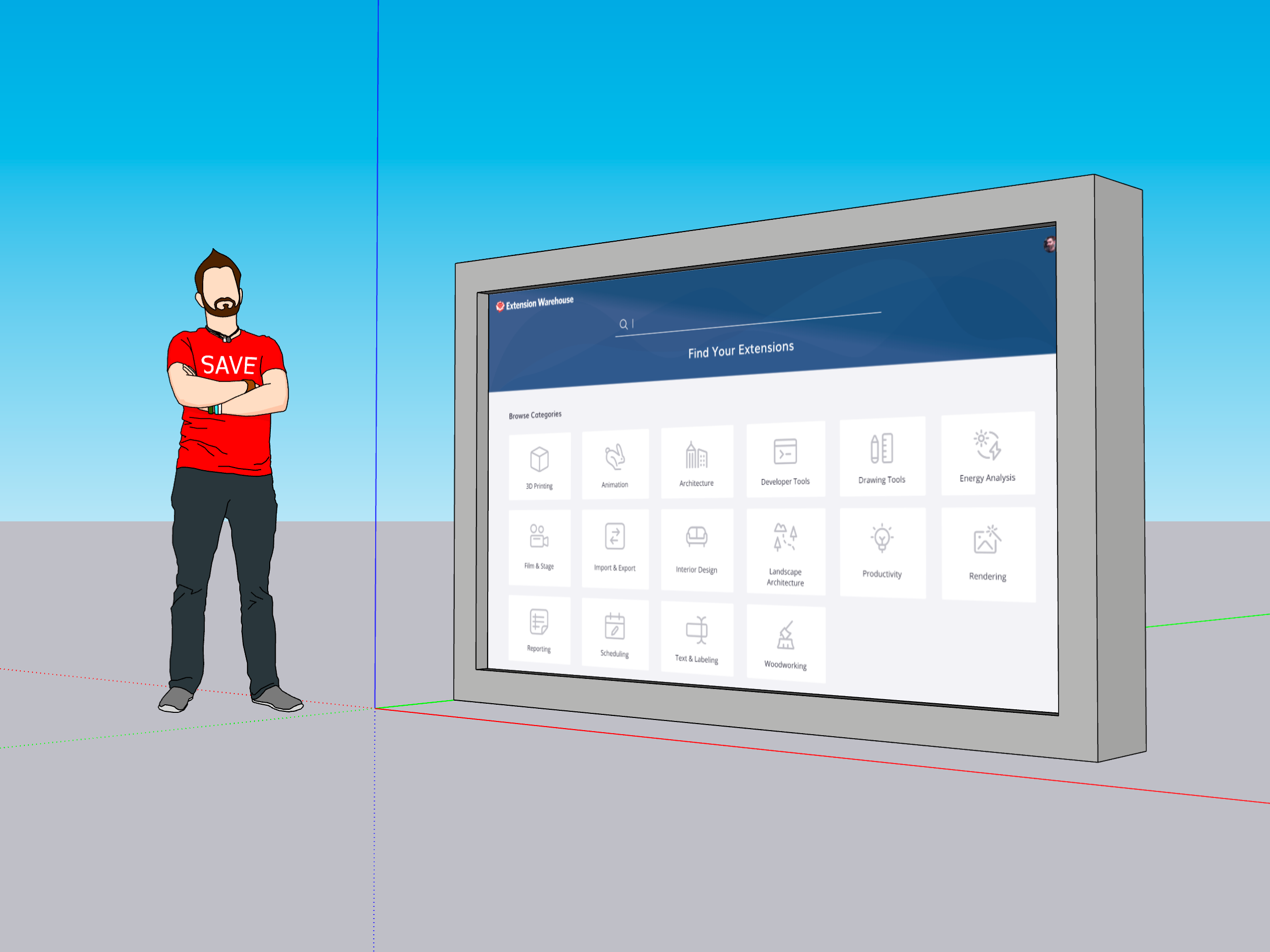
Extension Warehouse

SketchUcation Plugin Store

Related articles

Article

Orchestrating a global design sprint for the JAL Lounge at Liverpool's Anfield football stadium

Long-distance collaboration and a short deadline complicated completion of a new hospitality lounge ...
Read full article
Article

Turner Construction Company case study

Using software to aid communication and deliver construction projects effectively....
Read full article
Article

Has AI leveled the visualization playing field?

Through Industry Voices, Trimble SketchUp partners with industry leaders to explore the ideas, innov...
Read full article
Attention

We tried to combine the products in your guest cart with your saved cart, but we encountered an issue while merging them. When choosing a subscription, please select either monthly or yearly as they cannot be combined. Kindly review your cart before proceeding to checkout.

Cart updated
Some items in your cart are not available for purchase in your region, so we removed them. Please review your cart before proceeding.

Items Removed:
Attention

The software you are trying to purchase is not available in your country or region.

Cart updated
The items in your cart have been updated for two reasons. Firstly, the prices now match the currency linked to your account address. Secondly, some items have been removed because they are not available for purchase in your region. Please review your cart before proceeding.

Items Removed:
Cart updated
The items in your cart have been updated for two reasons. Firstly, you've added too many of one item to your cart. Secondly, some items have been removed because they are not available for purchase in your region. Please review your cart before proceeding.

Items Removed:
Cart updated
The items in your cart have been updated for three reasons. Firstly, the prices now match the currency linked to your account address. Secondly, you've added too many of one item to your cart. Thirdly, some items have been removed because they are not available for purchase in your region. Please review your cart before proceeding

Items Removed:
Cart updated

Your currency has been changed to match the currency associated with your account address.

Cart updated

Your cart has been updated for two reasons. First, the prices now reflect the currency associated with your account address. Second, you've added too many of one item to your cart. Please review your cart before proceeding.

Cart updated

While combining the products in your guest cart with your saved cart, at least one item in your cart has exceeded the maximum allowable quantity. Please review and correct your cart before proceeding to checkout.

Attention

We were unable to access your account information. Please contact customer support for assistance.

Attention
Unable to update shopping cart information. Please refresh the page to resolve the issue. If this issue persists, please contact Trimble support.
© 2026 Trimble Inc.

Trimble is a global technology company that connects the physical and digital worlds, transforming the ways work gets done. With relentless innovation in precise positioning, modeling and data analytics, Trimble enables essential industries including construction, geospatial and transportation. Whether it's helping customers build and maintain infrastructure, design and construct buildings, optimize global supply chains or map the world, Trimble is at the forefront, driving productivity and progress.