Skip to content

SketchUp for Schools 2021: Take SketchUp to the next level in your classroom

2 minutes read
| |
July 29, 2021

Share this post:

SketchUp for Schools 2021

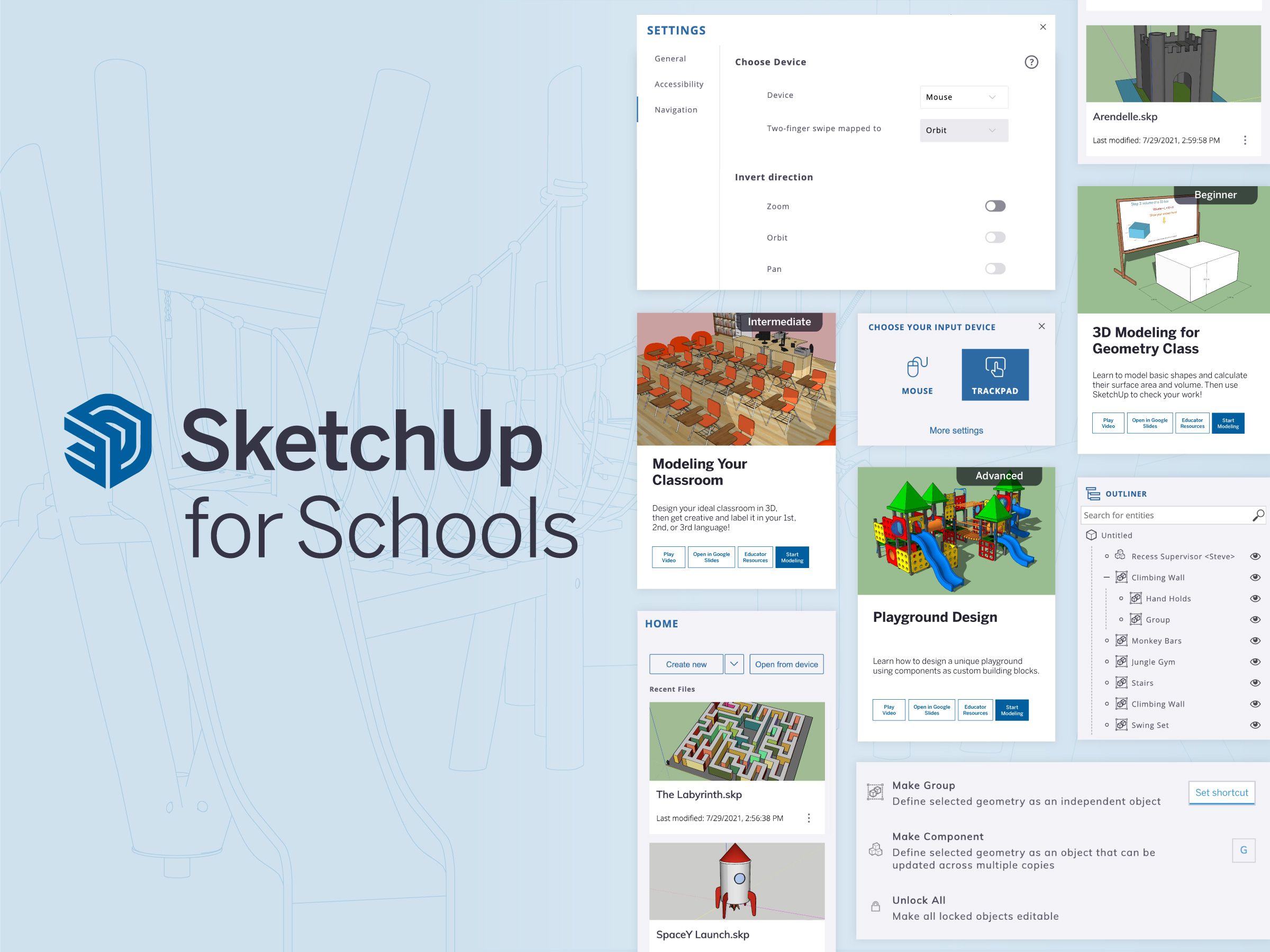
As you prep your classrooms for the upcoming school year, we’re excited to announce brand-new SketchUp for Schools for K-12 updates. Personalized shortcuts, application settings, custom trackpad controls, and, of course, a new curriculum will help you take SketchUp to the next level in your classroom. We have a feeling your students will not only be advancing their skills but they’ll be acing class in no time.

Before we jump into the details, you’ll notice a huge change around the axis this year; meet our newest scale figure, Katherine Johnson. Widely known for her work with NASA, Katherine Johnson was an American mathematician, educator, and an all-around inspirational leader which is why we’re thrilled to give her a home in 3D space. Say hello to Katherine the next time you’re in class.
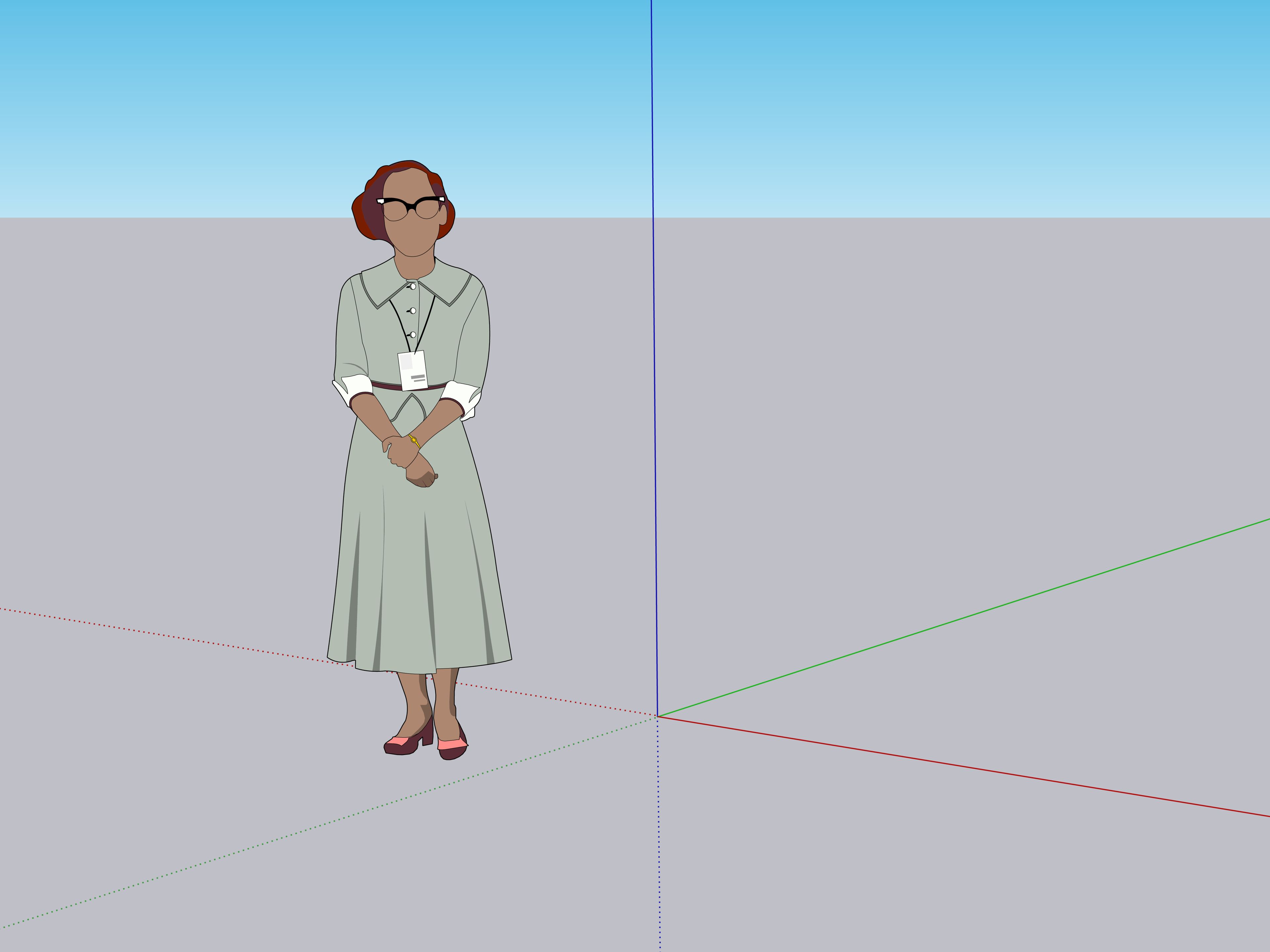
Dr. Temple Grandin graced us on the SketchUp for Schools’ axis

Previously, Dr. Temple Grandin graced us on the SketchUp for Schools’ axis for over three years. She, too, was an inspiration to people around the world with her many talents and passions including being a professor of animal science, an inventor, an author, and her dedication to autism awareness. So, thank you Dr. Temple Grandin for being the face of SketchUp for Schools from the very start.

Now that we’ve met our newest scale figure and said goodbye to one of the originals, let’s jump into fresh updates for back-to-school.

Curriculum

We like to freshen up our curriculum every year so you can take advantage of the latest and greatest learning materials for your classroom. This year is no different with three new courses at varying skill levels so you can pick and choose which will work best for your students: 
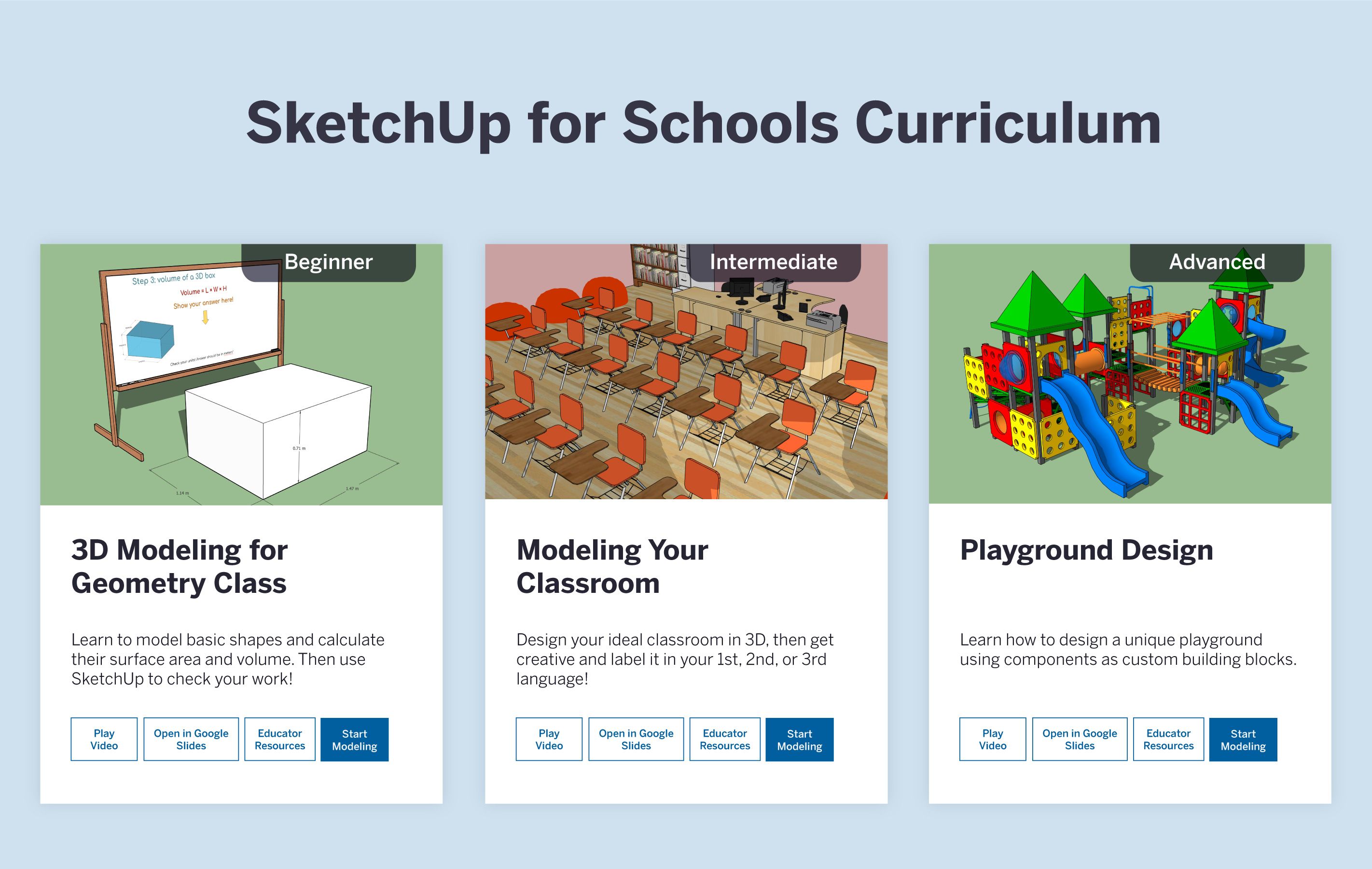
SketchUp Curriculum

We’ve also provided educator documents to go along with each course so you can customize the lessons for your classroom.

Application and Trackpad Settings

Customizing SketchUp settings just got a little easier. You’ll notice a new menu option called application settings in the modeling window. This allows you and your students to not only change axis colors and other general settings such as zoom sensitivity and autosave, but now it will also save your settings so they’re ready for you the next time you log in. In addition to that, students can now easily model using their trackpad with a new trackpad user mode. It’s time to ditch the mouse and take your trackpad for a spin! 

Personalized Shortcuts

You and your students now have the ability to set your own custom shortcuts using the Search menu! SketchUp will even remember your preferences the next time you log into your account. You can set your own shortcuts by searching for a tool and then entering your preferred keyboard shortcut in the editable box next to the tool selection. This will help students learn about different tools and utilize them in their own personalized workflows.

Outliner

The Outliner feature made popular by our professional subscription, SketchUp Pro, is now available for students in SketchUp for Schools! If you’re new to Outliner, it’s a great way to organize and manage your 3D model. This dialog box lists all of your Objects so you can easily assign names and hide parts of your model. 

Learn more about how to use Outliner in our Help Center article.

As you can see, our main focus is to continue to provide you access to more features to help make SketchUp for Schools an essential part of your curriculum.  Let us know what you think about the new updates in our forums.

Related articles

Article

Visualize and build automated warehouse systems with SketchUp

Senior Applications Engineer at TGW, an international provider of warehouse automation solutions, sh...
Read full article
Article

Orchestrating a global design sprint for the JAL Lounge at Liverpool's Anfield football stadium

Long-distance collaboration and a short deadline complicated completion of a new hospitality lounge ...
Read full article
Article

SketchUp 2025 delivers next-gen visualization, interoperability and content

Explore the latest updates with SketchUp 2025. Unlock powerful new visualization and interoperabilit...
Read full article
Attention

We tried to combine the products in your guest cart with your saved cart, but we encountered an issue while merging them. When choosing a subscription, please select either monthly or yearly as they cannot be combined. Kindly review your cart before proceeding to checkout.

Cart updated
Some items in your cart are not available for purchase in your region, so we removed them. Please review your cart before proceeding.

Items Removed:
Attention

The software you are trying to purchase is not available in your country or region.

Cart updated
The items in your cart have been updated for two reasons. Firstly, the prices now match the currency linked to your account address. Secondly, some items have been removed because they are not available for purchase in your region. Please review your cart before proceeding.

Items Removed:
Cart updated
The items in your cart have been updated for two reasons. Firstly, you've added too many of one item to your cart. Secondly, some items have been removed because they are not available for purchase in your region. Please review your cart before proceeding.

Items Removed:
Cart updated
The items in your cart have been updated for three reasons. Firstly, the prices now match the currency linked to your account address. Secondly, you've added too many of one item to your cart. Thirdly, some items have been removed because they are not available for purchase in your region. Please review your cart before proceeding

Items Removed:
Cart updated

Your currency has been changed to match the currency associated with your account address.

Cart updated

Your cart has been updated for two reasons. First, the prices now reflect the currency associated with your account address. Second, you've added too many of one item to your cart. Please review your cart before proceeding.

Cart updated

While combining the products in your guest cart with your saved cart, at least one item in your cart has exceeded the maximum allowable quantity. Please review and correct your cart before proceeding to checkout.

Attention

We were unable to access your account information. Please contact customer support for assistance.

Attention
Unable to update shopping cart information. Please refresh the page to resolve the issue. If this issue persists, please contact Trimble support.
© 2026 Trimble Inc.

Trimble is a global technology company that connects the physical and digital worlds, transforming the ways work gets done. With relentless innovation in precise positioning, modeling and data analytics, Trimble enables essential industries including construction, geospatial and transportation. Whether it's helping customers build and maintain infrastructure, design and construct buildings, optimize global supply chains or map the world, Trimble is at the forefront, driving productivity and progress.