Rancagua, Chile
Architect Alberto Beitia shares how he models on iPad to quickly visualize and communicate design intent for residential projects.


Model of Casa Boyeruca in SketchUp and a rendering of the design (click arrows to scroll)
Alberto Beitia’s beautiful renderings and iPad modeling videos — set to a catchy soundtrack — have garnered a wide following on Instagram. Based in Chile, he specializes in residential architecture, with projects ranging from master plans for large subdivisions to high-end, personalized modern homes. Alberto shares with us how he transitioned his conceptual design workflow fully to iPad, letting him create with more flexibility and communicate with his residential clients quickly.
Alberto models a California-inspired house on SketchUp for iPad.
Your residential design style is quite unique. Can you tell me more about your inspiration?
The inspiration comes from a combination of clients’ tastes, project location, and current trends in residential architecture. In the initial meeting, I ask clients general questions, ranging from their design style, personal interests, lifestyles, friendships, and the type of work they do. These questions help me gauge what aesthetic they would appreciate and understand their programmatic expectations for the home: how spaces will be used, the number of rooms, and the scale of the house. This stage is the most important because it’s when we determine how to tailor their living space to be both efficient and beautiful.


Torres del Paine shelter design challenge (click arrows to scroll)
I study the site where the home will be built or renovated and the location of the property relative to other housing or landscape features. The scenery that surrounds the space is as important as the property itself. The client will let me know what views they want to see from every part of their house. I take their wishes and weigh them against the legal regulations that govern the area, like height restrictions, distance from neighboring sites, and allowable square footage.


3D models and photo of Casa Requinoa (click arrows to scroll)
Current single-family residential design trends inspire my creativity. I take modern design standards and aesthetics, translate them into 3D, and then make alterations based on my clients’ preferences. For example, when determining whether a wall should be curved, I consider if the curve can be justified in practical terms and if it aesthetically contributes to the design composition as a whole. I draw from trends in sustainable construction to make the houses I design more efficient and have lower operating costs throughout their lifetime. Daylighting, window placement for cross ventilation, vegetation options for specific climates, wall thickness, insulation, and spaces designed for flexible indoor and outdoor use are all critical factors to consider.
Alberto models a modern house in SketchUp on iPad.
You recently started sketching and modeling on iPad. How does it fit into your workflow?
I use it for everything — I’ve stopped drawing on paper and now can immediately create shapes, volumes, compositions, and complementary drawings with the Markup tool. While SketchUp on Desktop has the same tools, I prefer to model on iPad because the sensitive contact between the screen, Apple Pencil, and my hand makes it feel like I’m drawing.
“SketchUp for iPad has become my favorite design tool. I love how natural it feels and its versatility — especially the Markup tool, which helps me enhance my designs with color.”
Alberto models a house in SketchUp on iPad and uses the Markup tool.
Has iPad sketching changed your style of drawing?
Absolutely! SketchUp for iPad has helped me better envision my projects from the beginning because now I can play around with volumes, composition, and lighting earlier. Having the ability to draw in 3D when designing provides me with more freedom, and that creativity pushes me beyond what even I thought was possible before starting the house layout. I can approach my projects as if they were a “design game” by superimposing shapes and giving them special representations. Though the early visuals are sometimes only representative, it’s powerful to show them to clients in proposals. iPad modeling helps me get ideas out of my head and into 3D more quickly than before.
“Modeling on iPad has given me the flexibility to take my work with me on a trip or a meeting away from my office, allowing me to develop my projects from their conceptual idea to the last details on the go.“


SketchUp model and an image of Casa Mostazal (click arrows to scroll)
How do you share your designs with clients?
I usually like face-to-face meetings to move things forward and receive feedback. To show my clients their vision, I’ll use SketchUp to export renderings which can be tweaked to highlight views, sections, and overall perspectives. I’ll also create short videos showing ideas in development. It’s easy to import and export files into rendering programs to add finishing touches.


Artistic models by Alberto (click arrows to scroll).
SketchUp for iPad has all the tools I need for drawing, creating 3D models, and communicating with clients, all packed into a versatile 3D modeling application.
Ready to start modeling on iPad? Start a free trial. SketchUp for iPad is also available with any of our subscriptions.
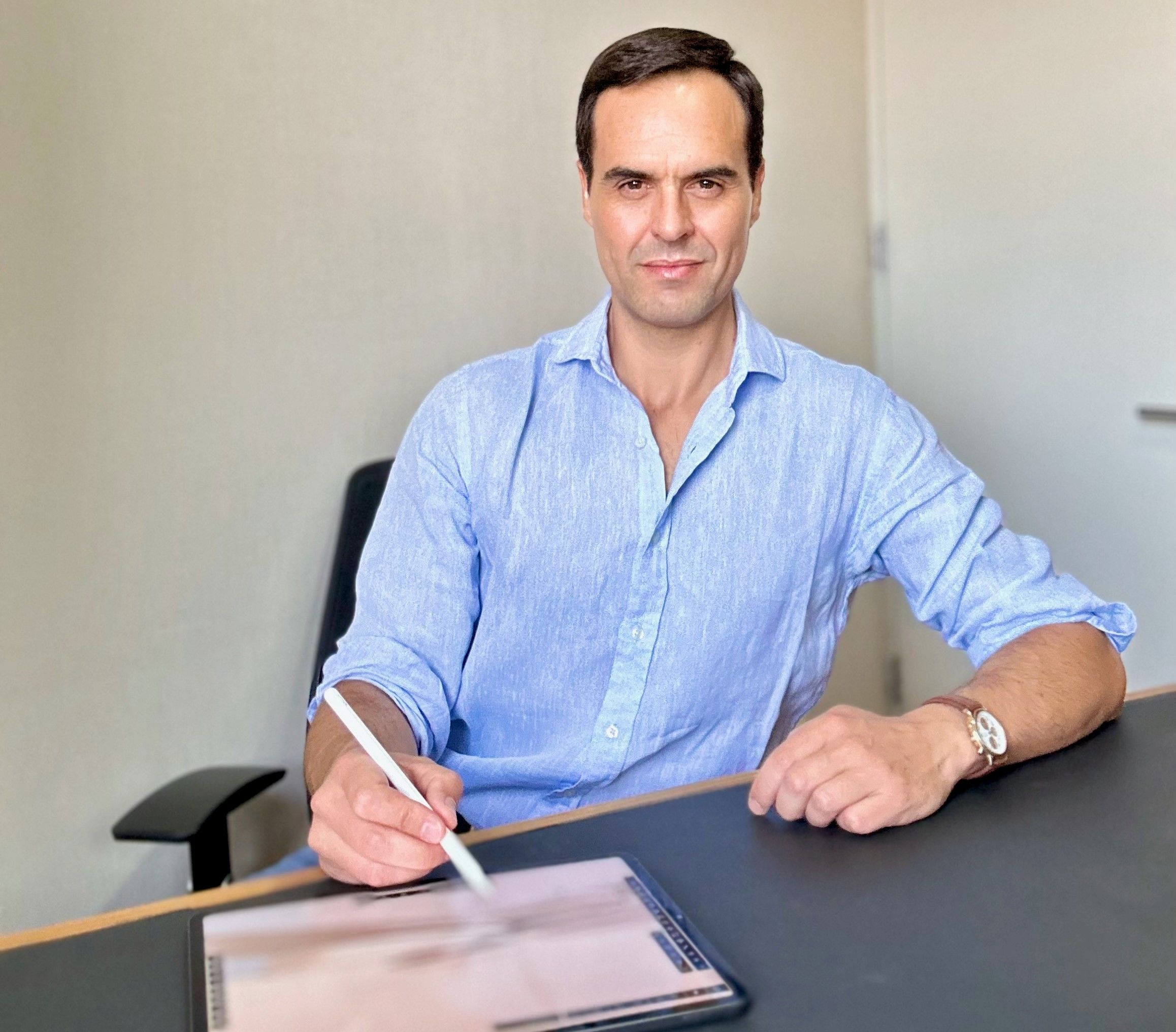
Alberto modeling on iPad
About Alberto Beitia
Alberto Beitia graduated from Universidad Andrés Bello with distinction. Since 2010, he has been developing outstanding residential and commercial projects at a national level. In 2015, he won first place as the best Latin American in the BIM Challenge in Las Vegas, United States. In 2020, Alberto became part of a select group of mentors for the Network of the Pontifical University Católica of Chile, which supports entrepreneurs worldwide, but especially from South America.
Follow Alberto on Instagram to see more of his stunning work.