Skip to content

Skelion: A solar energy design plugin for SketchUp

2 minutes read
| |
August 16, 2019

Share this post:

Skelion was designed to make working in SketchUp quite a bit easier for solar professionals. It features the ability to automatically insert solar panels on SketchUp surfaces. Because the developers are solar professionals themselves, I have a feeling others in the industry will find this plugin quite useful. I had a chance to ask one of Skelion’s developers some questions:

Please tell us a little bit about yourself.

Well, I am Sam Jankis, industrial engineer and co-developer of Skelion, although my partner is the real code developer of the plugin: Juan Pons is a Spanish engineer and programmer. Skelion was born in July 2011 after two years of development. It is a plugin for SketchUp that allows you to, among other things, insert solar panels on surfaces automatically.

Why did you build Skelion?

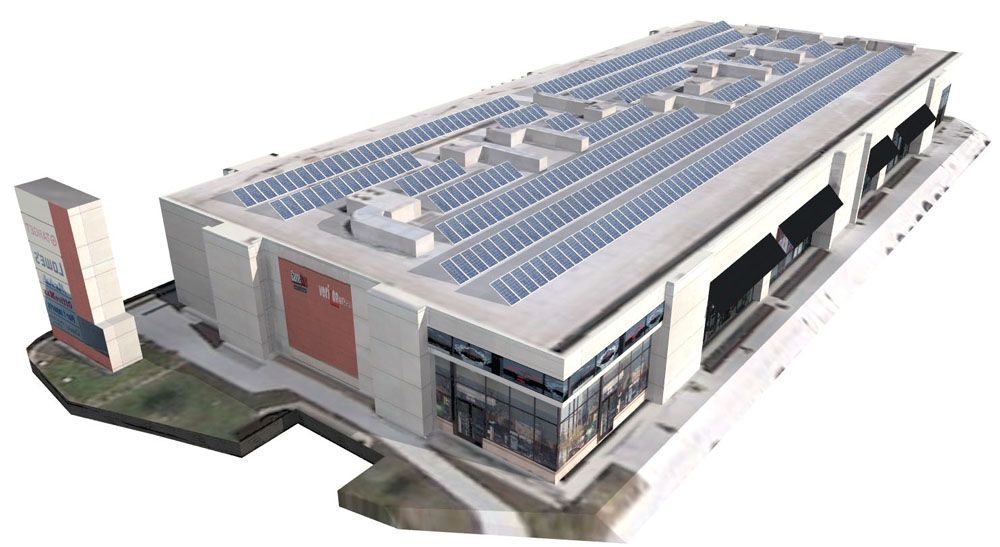
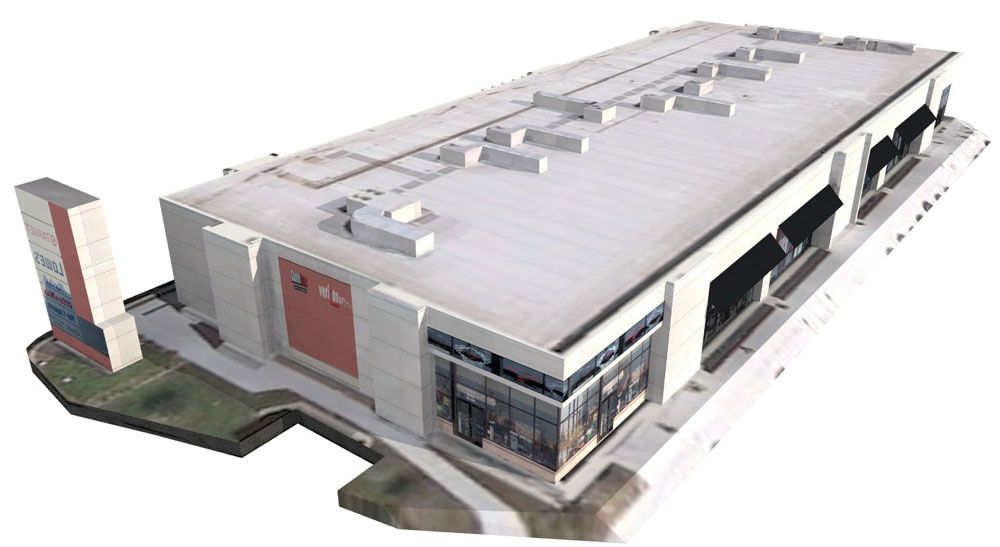
Skelion was developed to automate the design of solar systems using SketchUp. The goal was to do all the design work we were doing, but automatically. Now we can do with four clicks what we were doing in four hours. Skelion reduced considerably our average time expended on doing layouts and energy production reports of solar systems, and allowed us to multiply by four the preliminary studies we could do.
Skelion: A solar energy design plugin for SketchUp

How does it work?

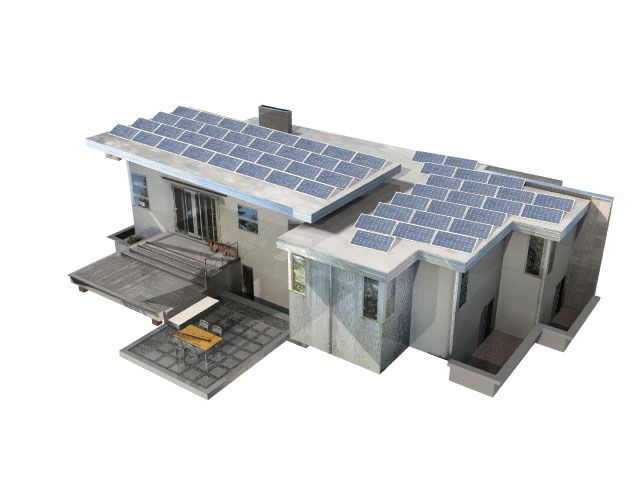
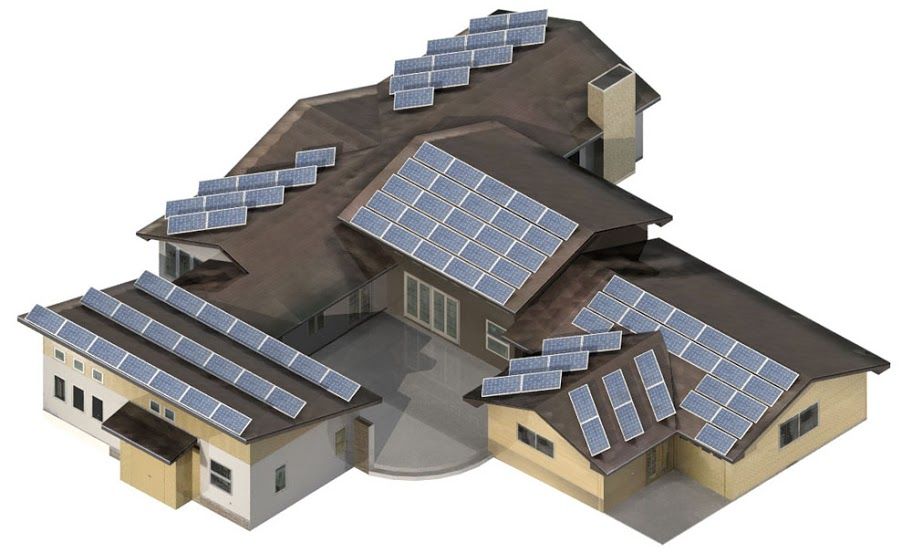
Basically, you select a surface where you want to insert solar panels and click on the solar cell logo. A menu appears that asks you about tilt and orientation for the panels, the type of panel, and a shading range for a given day. Photovoltaic panels can be selected from our database or you can create your own, and they can be placed in portrait or landscape orientation. After that, the plugin automatically inserts the solar panels on your selected surface. It also works with irregular surfaces. For more information, take a look at our video tutorials.
Skelion
solar energy design plugin for SketchUp

What are your goals for the plugin?

The goal for Skelion is to become a standard design tool in the solar industry. We believe that as soon as solar designers get familiar with the plugin they are going to love it—as we do.
Skelion

How can SketchUp modelers try Skelion?

They can download the plugin from our download page. The Free version includes the most powerful feature: the automatic insertion of solar panels. With the Pro version, you get some interesting and useful features such as energy reports.

Related articles

Article

Orchestrating a global design sprint for the JAL Lounge at Liverpool's Anfield football stadium

Long-distance collaboration and a short deadline complicated completion of a new hospitality lounge ...
Read full article
Article

Turner Construction Company case study

Using software to aid communication and deliver construction projects effectively....
Read full article
Article

Visualize and build automated warehouse systems with SketchUp

Senior Applications Engineer at TGW, an international provider of warehouse automation solutions, sh...
Read full article
Attention

We tried to combine the products in your guest cart with your saved cart, but we encountered an issue while merging them. When choosing a subscription, please select either monthly or yearly as they cannot be combined. Kindly review your cart before proceeding to checkout.

Cart updated
Some items in your cart are not available for purchase in your region, so we removed them. Please review your cart before proceeding.

Items Removed:
Attention

The software you are trying to purchase is not available in your country or region.

Cart updated
The items in your cart have been updated for two reasons. Firstly, the prices now match the currency linked to your account address. Secondly, some items have been removed because they are not available for purchase in your region. Please review your cart before proceeding.

Items Removed:
Cart updated
The items in your cart have been updated for two reasons. Firstly, you've added too many of one item to your cart. Secondly, some items have been removed because they are not available for purchase in your region. Please review your cart before proceeding.

Items Removed:
Cart updated
The items in your cart have been updated for three reasons. Firstly, the prices now match the currency linked to your account address. Secondly, you've added too many of one item to your cart. Thirdly, some items have been removed because they are not available for purchase in your region. Please review your cart before proceeding

Items Removed:
Cart updated

Your currency has been changed to match the currency associated with your account address.

Cart updated

Your cart has been updated for two reasons. First, the prices now reflect the currency associated with your account address. Second, you've added too many of one item to your cart. Please review your cart before proceeding.

Cart updated

While combining the products in your guest cart with your saved cart, at least one item in your cart has exceeded the maximum allowable quantity. Please review and correct your cart before proceeding to checkout.

Attention

We were unable to access your account information. Please contact customer support for assistance.

Attention
Unable to update shopping cart information. Please refresh the page to resolve the issue. If this issue persists, please contact Trimble support.
© 2026 Trimble Inc.

Trimble is a global technology company that connects the physical and digital worlds, transforming the ways work gets done. With relentless innovation in precise positioning, modeling and data analytics, Trimble enables essential industries including construction, geospatial and transportation. Whether it's helping customers build and maintain infrastructure, design and construct buildings, optimize global supply chains or map the world, Trimble is at the forefront, driving productivity and progress.