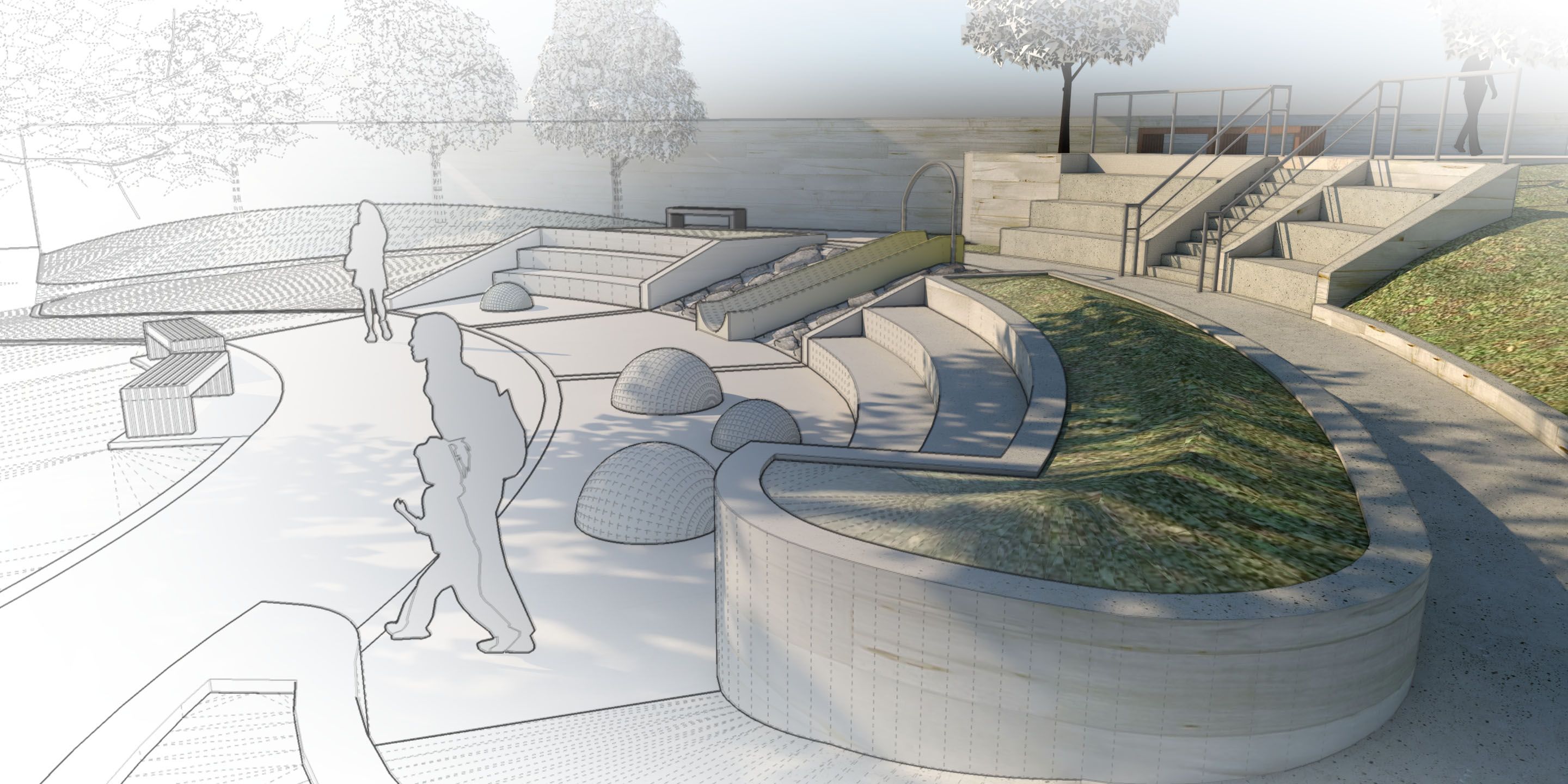
We’re excited to launch a brand new professional-level learning track in SketchUp Campus called SketchUp for Landscape & Site Design. This intermediate-level track was built for you by an experienced landscape designer. The track teaches you how to deal with complex modeling challenges such as modifying terrain and grading, working with imported references, and managing heavy vegetation. We not only guide you on how to build your models, but we also give you tips and suggestions on how to collaborate on a large model across your entire team (added bonus!).
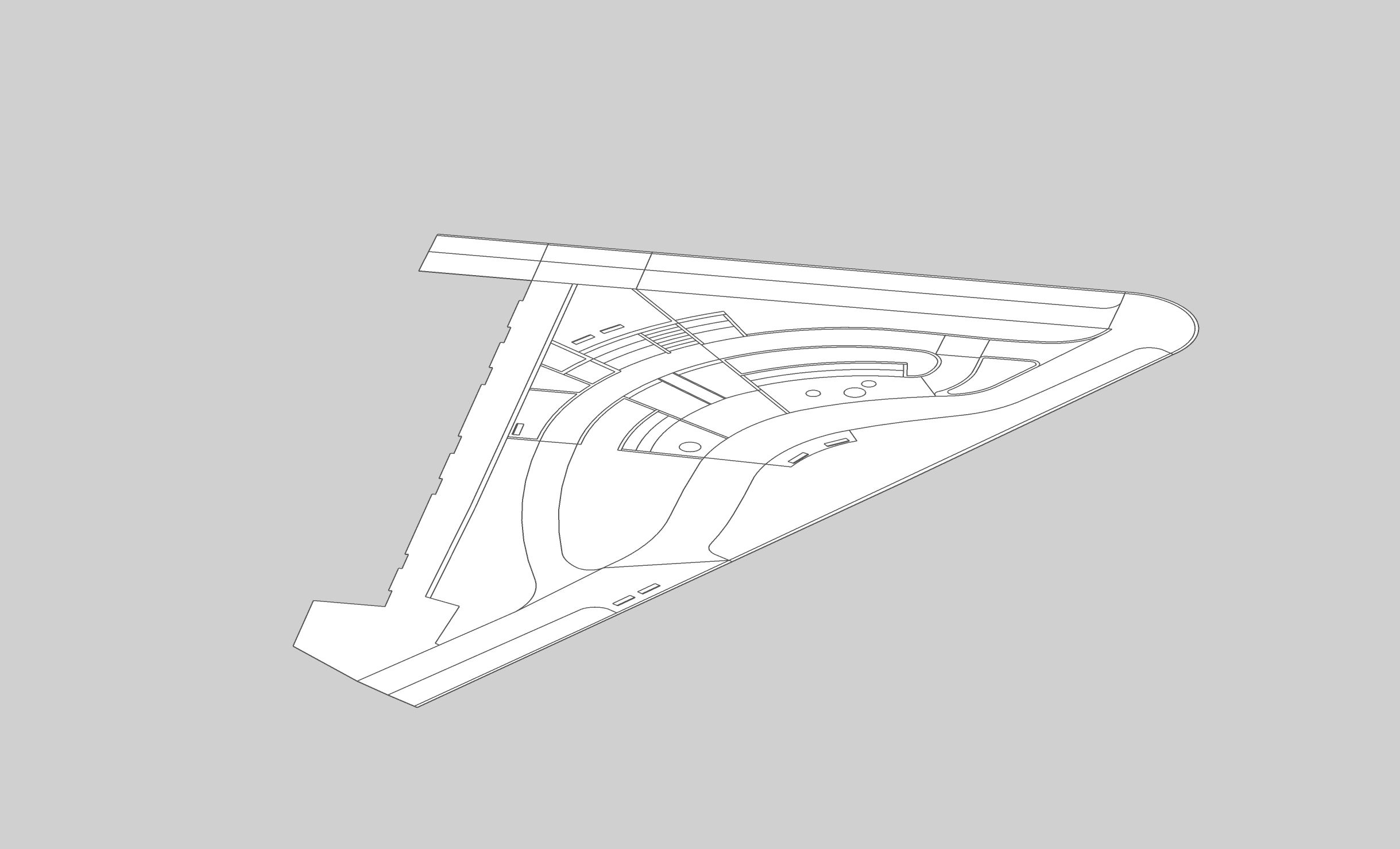
To get a little more insight into the process for developing this course, we checked in with the course author: SketchUp's very own Eric Sargeant.
What is your background?
I’m a LEED-accredited professional with an undergraduate degree in Landscape Architecture. I have 12 years of professional experience working for multi-national, multi-disciplinary firms. In addition, I’ve taught technology and design at the local university here in Southern California.
How did you use your background to create this course?
Every element in this course came directly from my experience attempting to address the challenges specific to modeling exterior environments. The biggest challenge I faced early in my career was the lack of confidence to move away from 2D (i.e. CAD) towards a more 3D-centric workflow. There was no standard process for landscape design like there was for architecture. My goal was to create a streamlined process that is flexible so it can adapt to different project types and scales.
What are some key concepts that you wanted to highlight?
The overriding concept I want to reinforce—and this isn’t unique to landscape architecture—is that a little more work up front can save tremendous amounts of time downstream. A good model can be used for so much including site analysis, cross sections, and conceptual renderings.
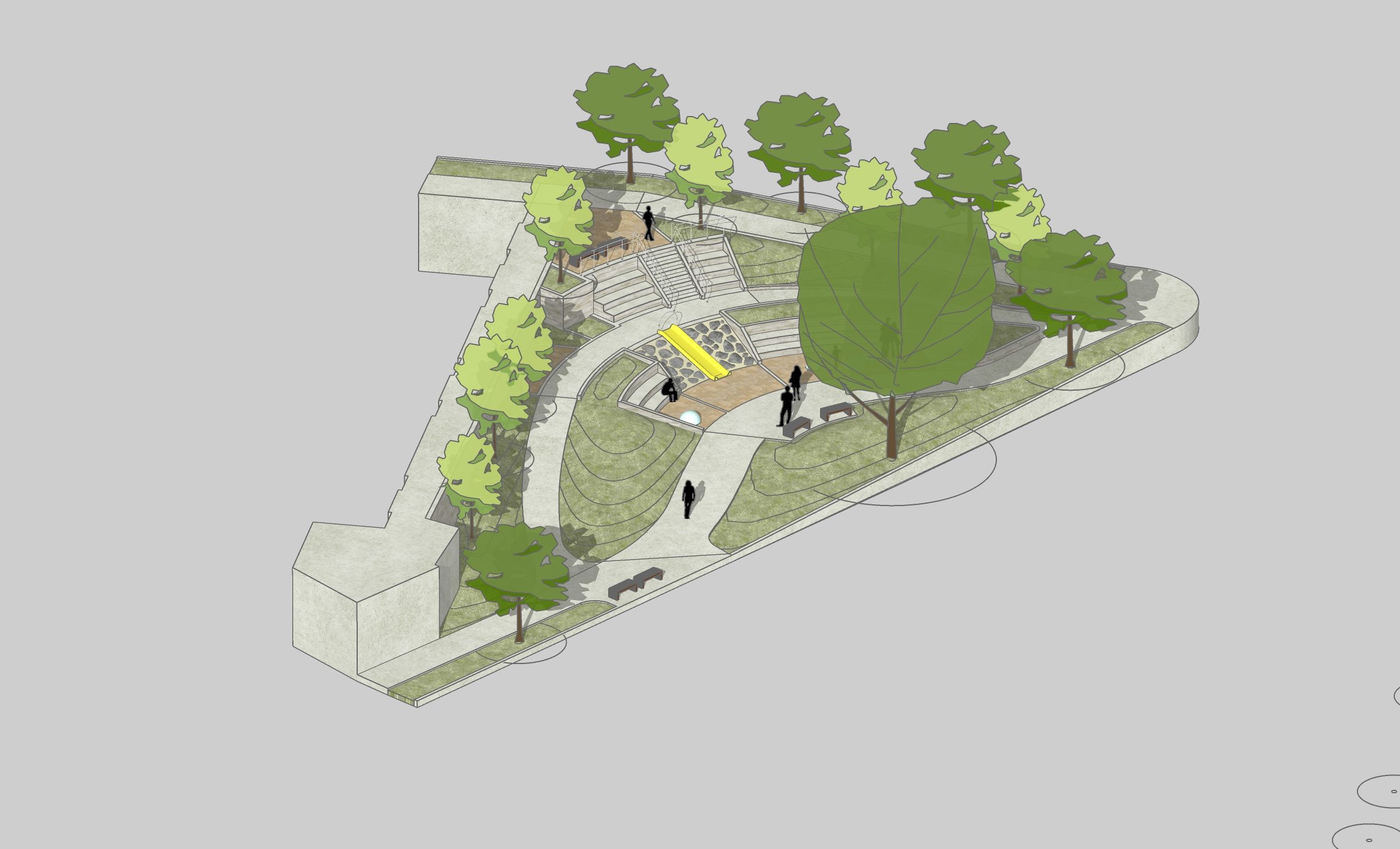
Beyond that, I’d like to also highlight the need for good plants and entourage. It can be overwhelming to know where to look and how to efficiently place hundreds or more components throughout your model. I cover different sources for plant textures, furnishings, and plant material – along with the pros and cons of using each. This way I’m presenting our audience with choices that suit their budgets and project needs.
How did you use some of these concepts when you worked as a landscape designer?
I always wanted to be involved in as much of the design and production process as possible. With CAD, I saw my fellow designers being type-cast (for example the ‘irrigation guy’, the ‘planting lady’). I wanted to be the ‘creative guy’ and utilizing 3D let me do that. My models became the point of origin for so many of our design deliverables and I learned a lot about design and construction in the process by becoming an extension of the senior principal’s / lead designer’s hands.
Does SketchUp work well for landscape design? How so?
SketchUp is perfect for landscape and site design in so many ways. First, it’s visual. Unlike other modeling programs that require a rendering engine or exporting to another program to add color, materials, and other items...SketchUp has that all built in natively.
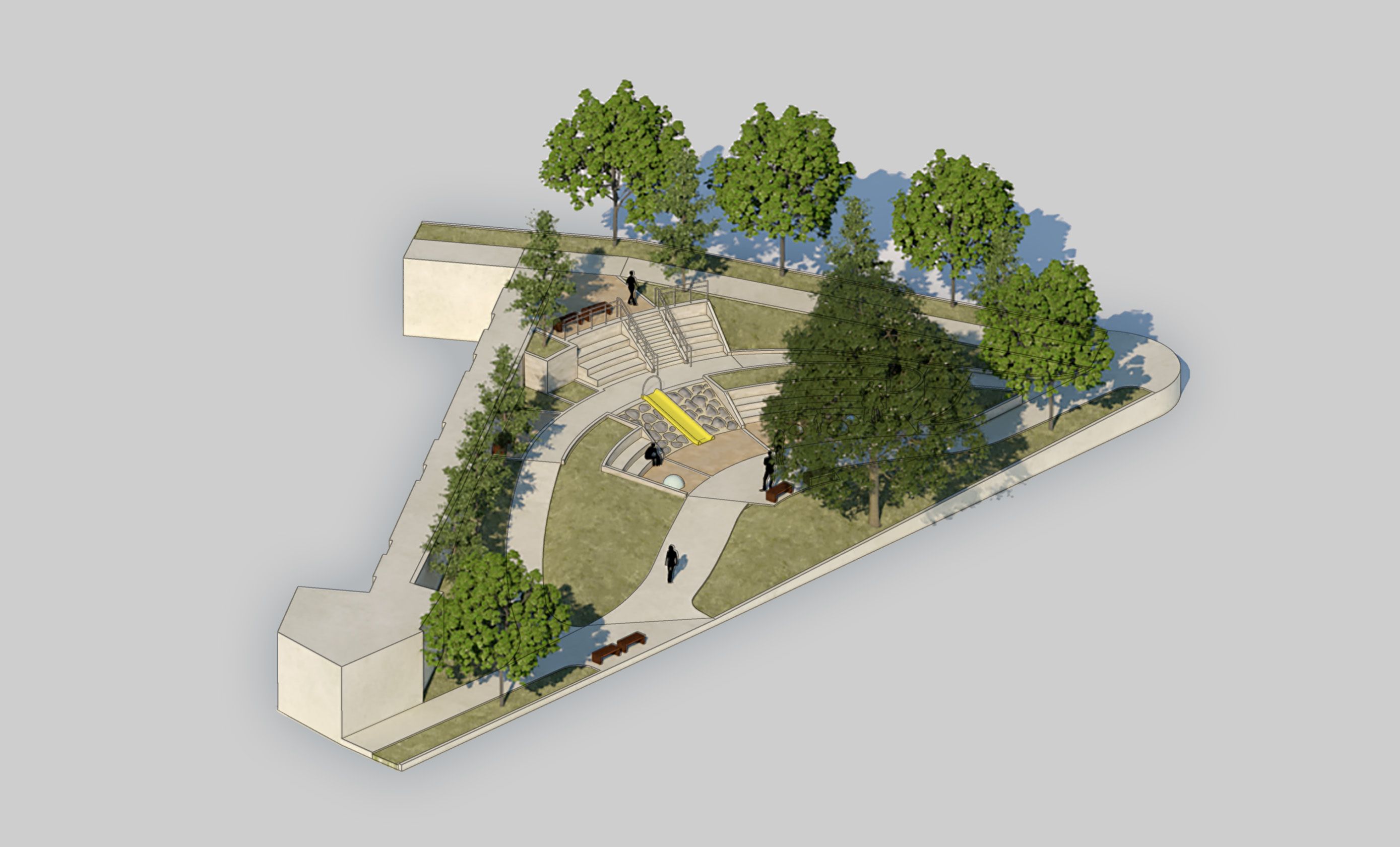
Second, SketchUp and its extensions have come along way since I started with it back in 2005. The misconceptions of not being able to handle large files or not being able to work with different file formats are a thing of the past. The things I am able to create in SketchUp continue to increase along with my knowledge and experience in the profession. I’m confident that those who take this learning track will walk away feeling the same.


Final design models made through the SketchUp for Landscape & Site Design track. Click navigation arrows to scroll through images.
Whether you’re working on a small neighborhood park or a large commercial outdoor space, you’re sure to pick up a few new tricks that will up your landscape game in no time. The best part? You can take these courses at your own pace. Check out the learning track.