Pitching for a new project is one of the most stressful parts of the design process. Creativity needs to flow but deadlines are around the corner. You want to get ideas out of your head quickly and turn them into winning results that will wow your client and other stakeholders. Don’t know where to start? We got your [design] back. We will show you how to leverage the full power of a SketchUp Pro subscription at every stage of your design process.
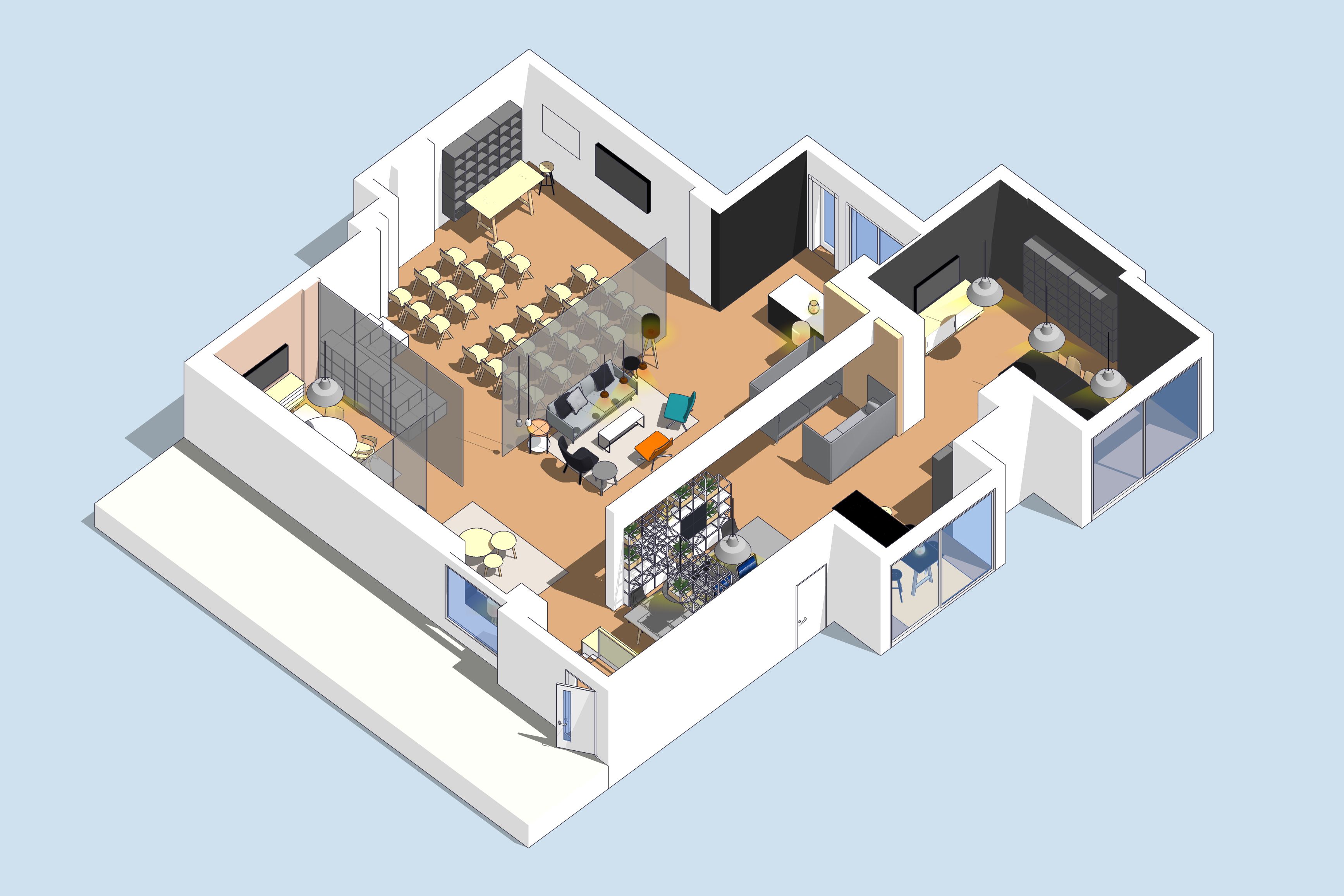
In Part 1 of this series, we’ll teach you how to start from scratch and create design options with ease. In Part 2, you’ll learn how to showcase your designs so your audience is left with that “wow” moment.
You’ll notice that most of these examples are focused on interior design workflows. But no worries. We understand not everyone is an interior designer so know that these concepts can be applied to almost any industry!
Where do I start?
There are a few different ways to bring your project into SketchUp right from the start: with a 2D sketch, floorplan, or photo. You don’t have to start from scratch! Utilize what you already have.
Working from a hand-drawn sketch? Import the hand drawing as an image and start tracing with the Line tool to create a floorplan. This is an easy (and thus popular) way to bring a floorplan into SketchUp.
Have a set of plans? Import a floor plan in CAD, image, or PDF. Draw the outline of your project by scaling and drawing from the plan as a reference.
No floor plans to work with? Use Match Photo to create your model from a real-world photo of the space. Check out our free Campus course for more on how to build models from reference photos.
Turning your outline into a 3D design
So you’ve completed your outline, what’s next? Now, you’re ready to draw exterior walls. This workflow highlights how to use imported CAD geometry as your starting point.
Create multiple design options
It’s time to bring your space to life with decor, entourage, colors, and foliage. Figure out your color scheme and start to apply those colors and textures with materials.
Need to highlight different design options for your client? Import models from 3D Warehouse to quickly create and iterate through design options. No one has to know how much time you saved with 3D Warehouse!
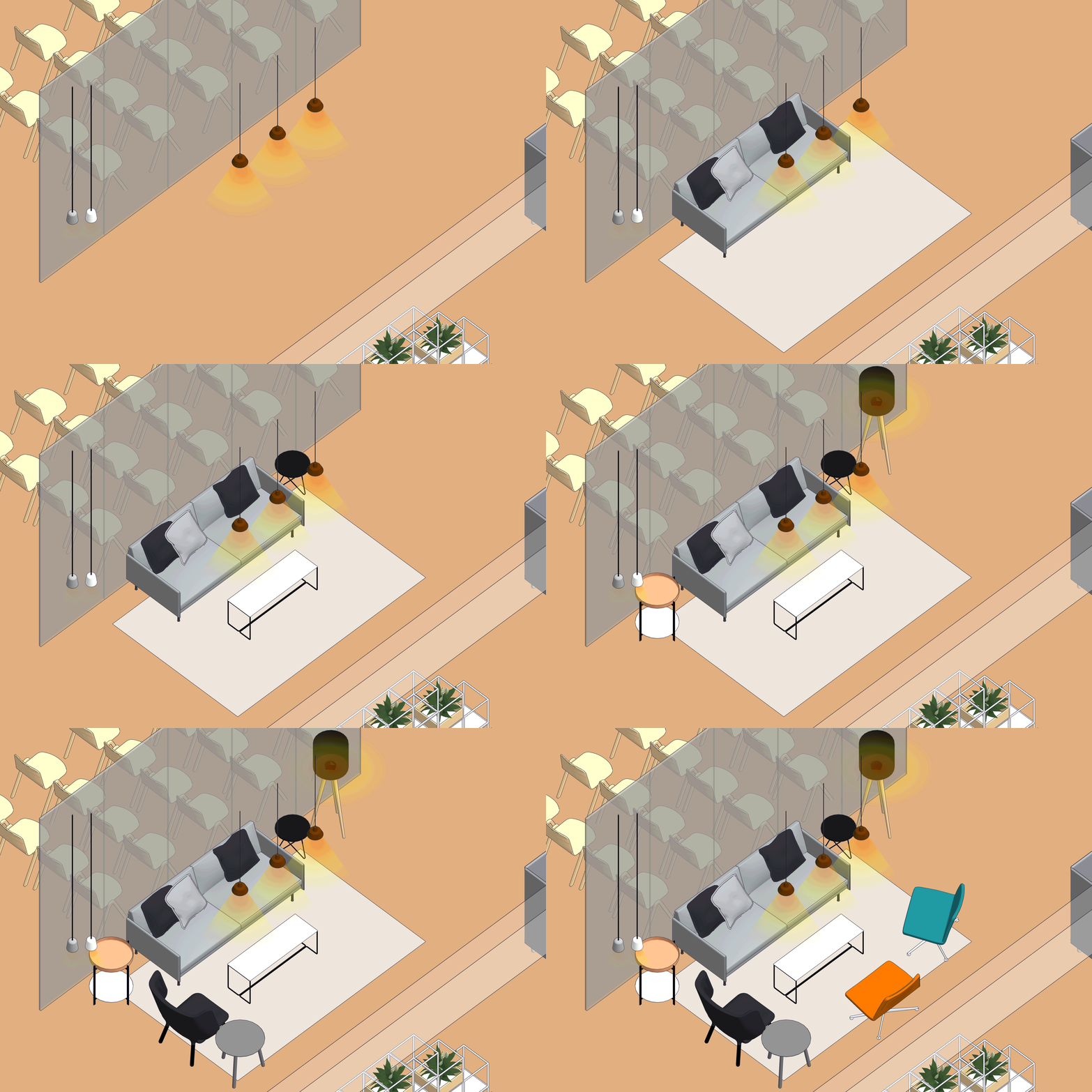
More design options are made easy with 3D Warehouse. Search, import, easy! Pro tip: check out the manufacturer items for more accurate dimensions.
SketchUp lets you quickly work through configurations and build upon the ones you like. Show off options for furnishings or add in various types of greenery to brighten the space and give your design some personality.
Now that you have all of your different design options picked out, showcase and organize them with Layers and Scenes. Layers help you organize your model, and Scenes help you save specific camera angles, styles, and design options. Learn more about setting up Scenes.
Save it to the cloud
Trimble Connect offers you unlimited cloud storage with full version control. The best part? It’s included in a SketchUp Pro subscription.
Part of a design team?
Working together just got a little easier with Trimble Connect. As an example, let’s say you need to work on the interior design portion of a project while another team member needs to add MEP details. Now you can do this with less stress and rework.
Start off by importing a reference model into SketchUp from Trimble Connect. You won’t be able to modify it, but you can use it as context to more easily coordinate the project. This is really useful when you have a design team with multiple designers working on different parts of a project.
Next, set up rules for version control. Before inviting other team members to your project, create groups with different permissions to control which files members have access to. Utilizing version control allows you to track project history and progress.
Once everyone is done, you can pull it all together.
Flying solo?
Each time you upload a copy of a file to Trimble Connect, it will keep track of the versions. Use version control to manage different versions of your model and share those versions as design options with your client. Compile feedback, assign to-dos, and quickly work through changes.
And don’t forget: your up-to-date models and plans are accessible across desktop, browser, mobile (iOS and Android apps), and even on Mixed Reality (MR) devices for your presenting pleasure.
Stay tuned for Part 2 to learn the best ways to showcase your design.
Ready to use SketchUp? Become a subscriber, or try it out using a free trial.