Now that you’ve learned how to create winning interior designs, it’s time to learn how to present them to clients.. and blow them away! Psst... if you didn’t catch part 1, check it out here.
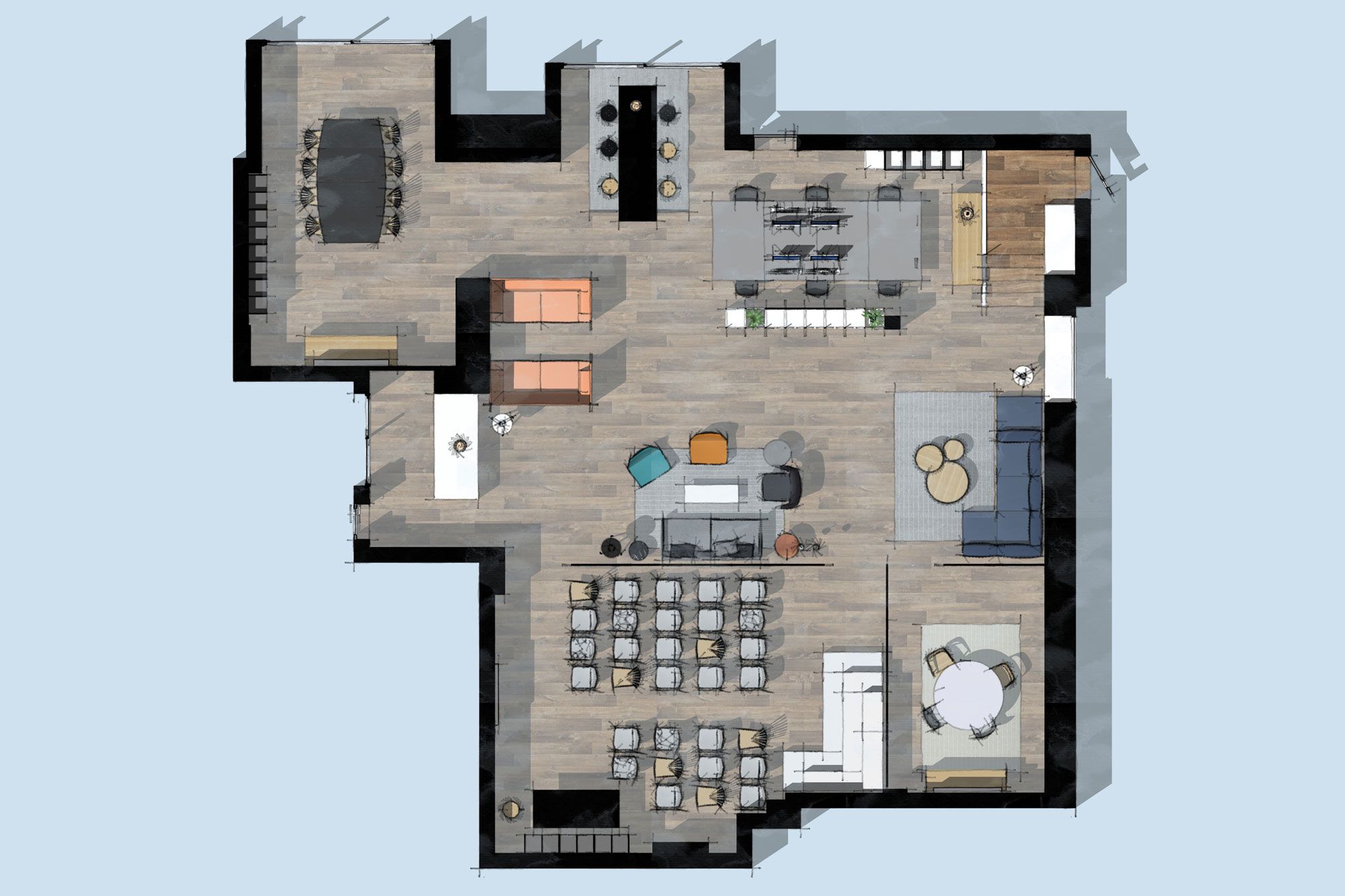
Let’s explore!
Add custom Styles to your design
Adding your personal style is an important part of presenting your design to a client. Style Builder allows you to create customized line styles using imported digital or hand-drawn strokes. Think crisp pen lines, wavy pencil marks or marks from a fat stick of graphite. Combine line styles with unique textures, colors, and watermarks to inject your creative flair into models, renders, and even animations.
Apply your preferred style settings with a single click.
Create stunning 2D branded presentation documents
Now that you’ve added a style, it’s time to insert the model into LayOut. When you import a 3D model, a viewport is placed on the page. The good news, the scenes you set up in your SketchUp file are ready to use in LayOut.
Combine model views with text and 2D vector illustration to present design details, materials, and design options. Many of the tools in LayOut work as they do in SketchUp. That means you can quickly get to drawing, resizing, adding details, making copies, and changing styles and scale.
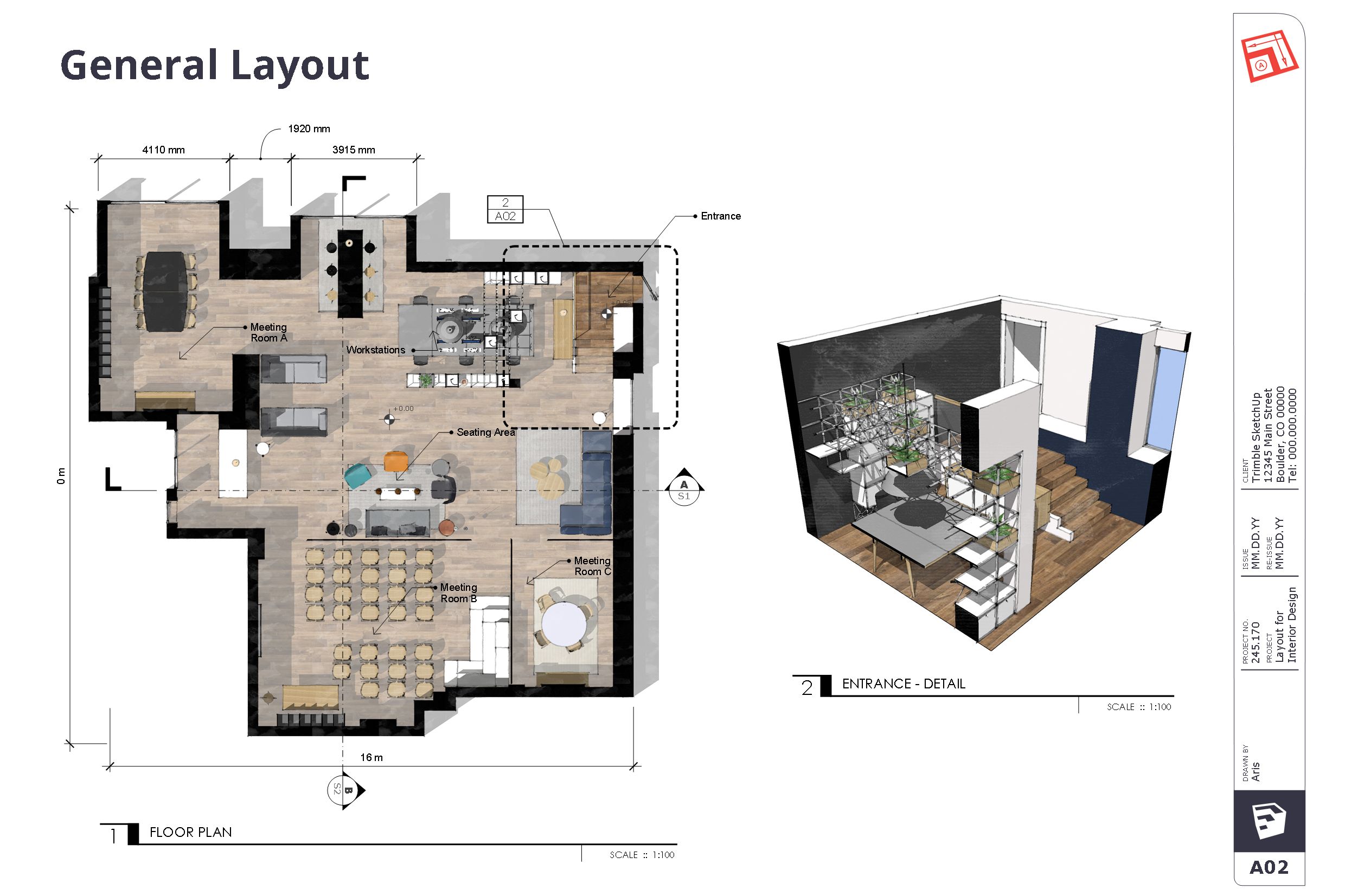
Using LayOut to capture brand details.
Present your ideas with SketchUp Viewer
Don’t limit your presentation to just pdfs! SketchUp Viewer for Mobile gives you the power to view and share your portfolio on iOS and Android devices. Take advantage of Augmented Reality to evaluate design options on a real-world scale. Switch between scenes to showcase designs on the go while retaining your model’s style.
Showcasing SketchUp Viewer for Mobile.
Model on the go
Not all CAD tools are fully editable on the web, SketchUp is! Handy if you need to make on-the-fly changes when you’re away from your desktop computer. Let’s say you’re in a meeting at a client’s office and they want to see a project with a revised furniture layout. Open a model to SketchUp for Web directly from Trimble Connect on any web device to make the changes in real-time. Save the file to Trimble Connect for easy access back at the office.
Create rendered images with Trimble Connect visualizer
We’ll wrap this up with something that we are very excited about. Rendering! With a SketchUp Pro Subscription, you can create simplified renders using Trimble Connect for Desktop and the brand new Trimble Connect Visualizer. Note: this feature is currently available for Windows only.
Step into AR/VR to experience designs before they’re built
Do you have access to a VR or Mixed Reality device? If your answer is yes, you can bring 3D models to life in mixed or virtual reality. Step into a powerful new way to explore, understand, and share your work. The best part? It’s all part of a SketchUp Pro Subscription.
Try SketchUp free to unleash the power of the latest and greatest in visualization.