Well, it has been quite a year (plus a little) here at SketchUp HQ, with tremendous amounts of coffee consumed. Today we’re finally ready to spill what we’ve been working so hard to finish. There’s quite a lot to share, so bear with us.
(Spoiler alert: there’s a SketchUp Pro 2019 announcement in here.)
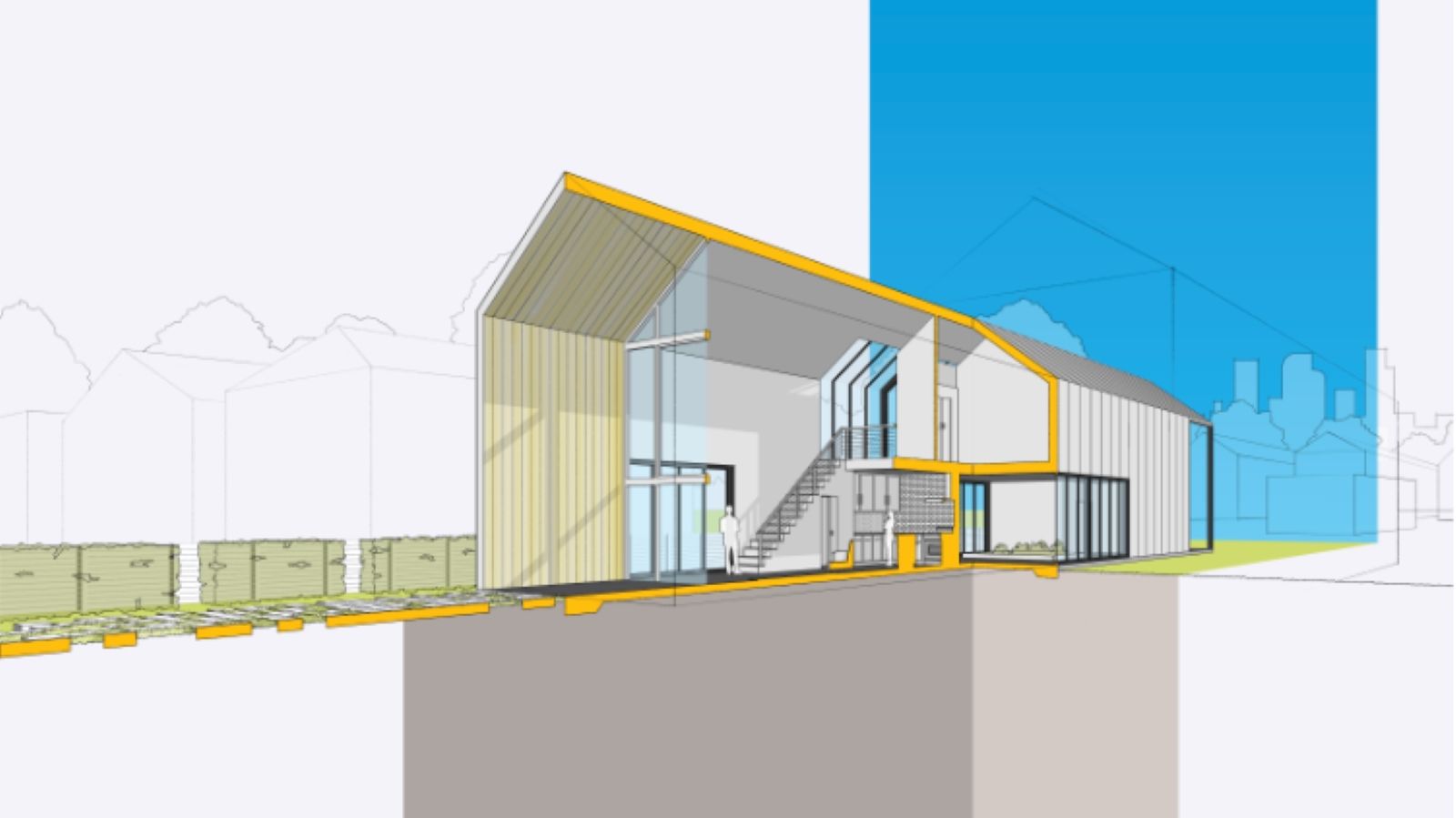
Welcome home to SketchUp in 2019!
The whole team has been grinding (coffee beans and otherwise) to bring you this newest development in the life of our products. Today, we’re proud to announce a brand new way to buy all the products you love: a SketchUp subscription. The best value we’ve ever offered, now you can choose the perfect combination of SketchUp for your project, workflow, or creative concept.
Best of all: we’re using this opportunity to challenge ourselves to earn your business every single day by constantly improving the tools you need and love throughout each year.
Take a look at the new ways to buy SketchUp, and all the perks included in each subscription tier. We have been working to bring you subscriptions for years because we believe this is the best way to deliver more value to our users in a single package. This shift in our business will make it easier for new users to buy SketchUp. Current users who switch will have access to even more SketchUp products and will never have to think about keeping them up-to-date. If you’re subscribed to SketchUp, you’re running the latest version of everything.
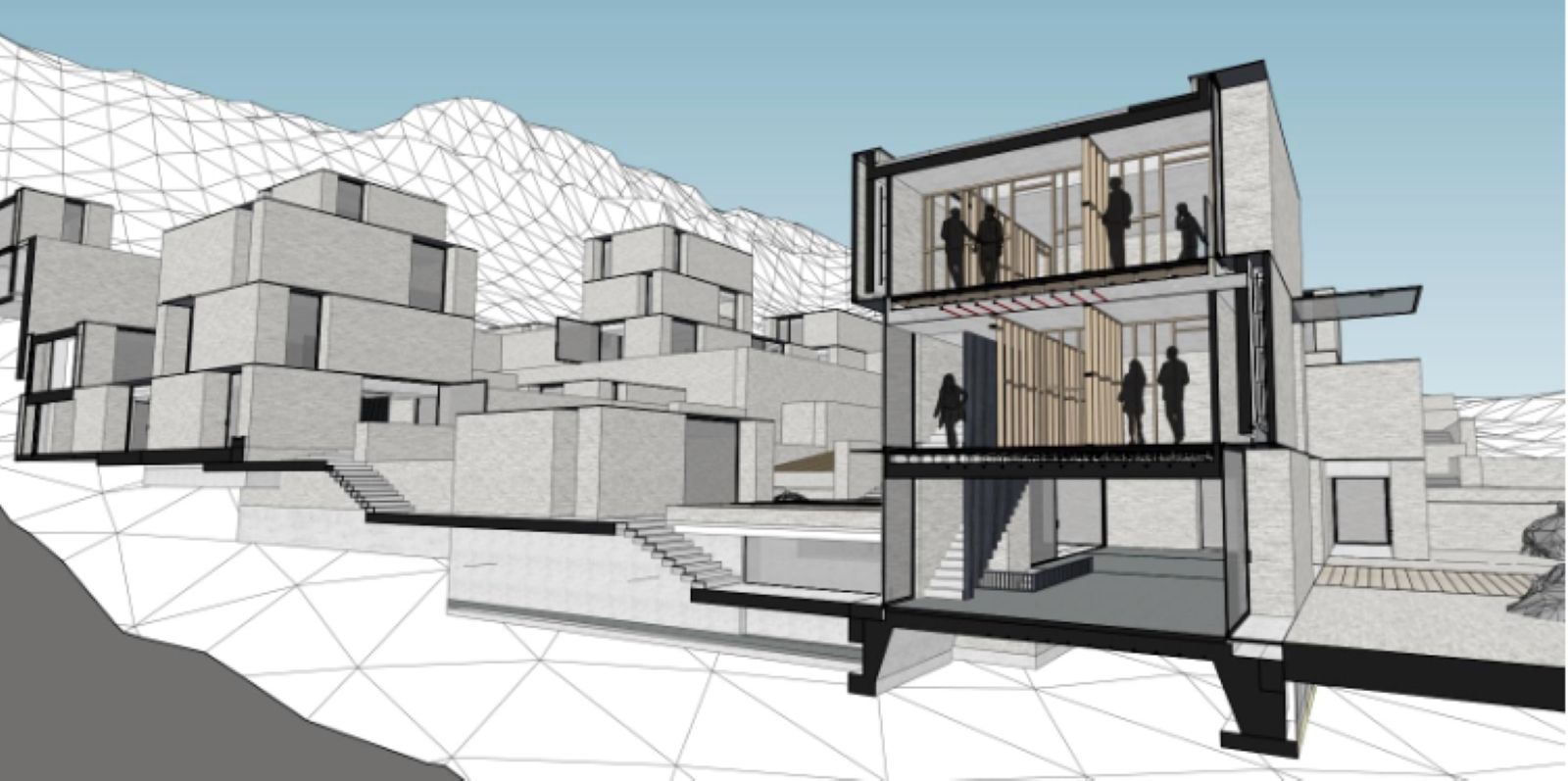
If you've purchased a perpetual (now called "Classic") license in the past, you're still able to upgrade your Maintenance & Support to the new version. You can also choose to buy a perpetual license OR a subscription - the choice is yours.
This shift in our business will keep us accountable to retain your business, by releasing new features as often as possible. We are proud to take on this challenge and move our process from an annual update cycle to a “features-when-we’ve-got-em” cycle.
Speaking of features, we didn’t forget to give our products love this year! We’ve made SketchUp faster and more powerful than ever before with bug fixes, system improvements, and some shiny new features. There’s a lot we are proud of this year — including a way to buy the SketchUp you know and love — and so much more.
Here are a few of the highlights:
SketchUp Pro 2019 for Desktop
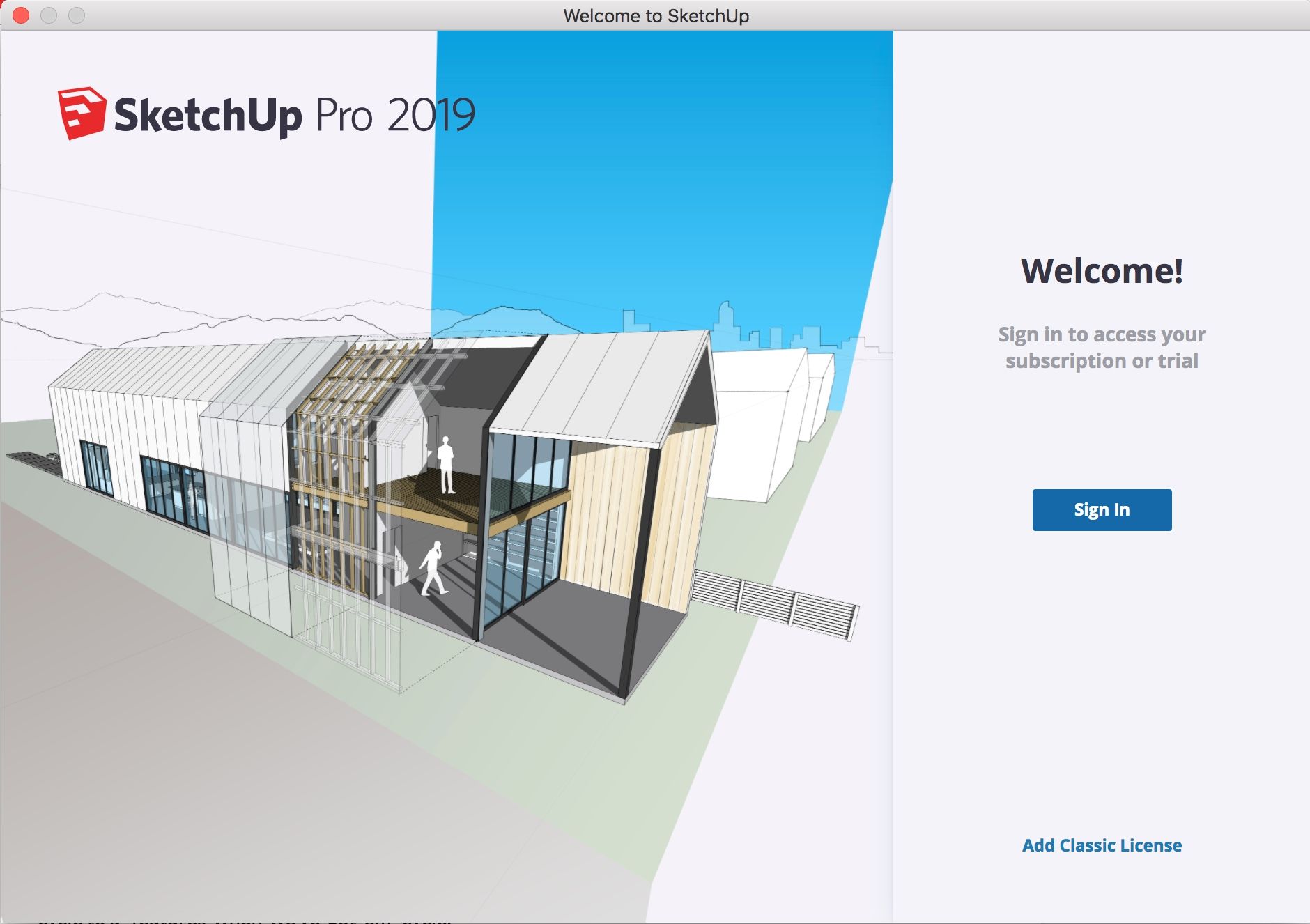
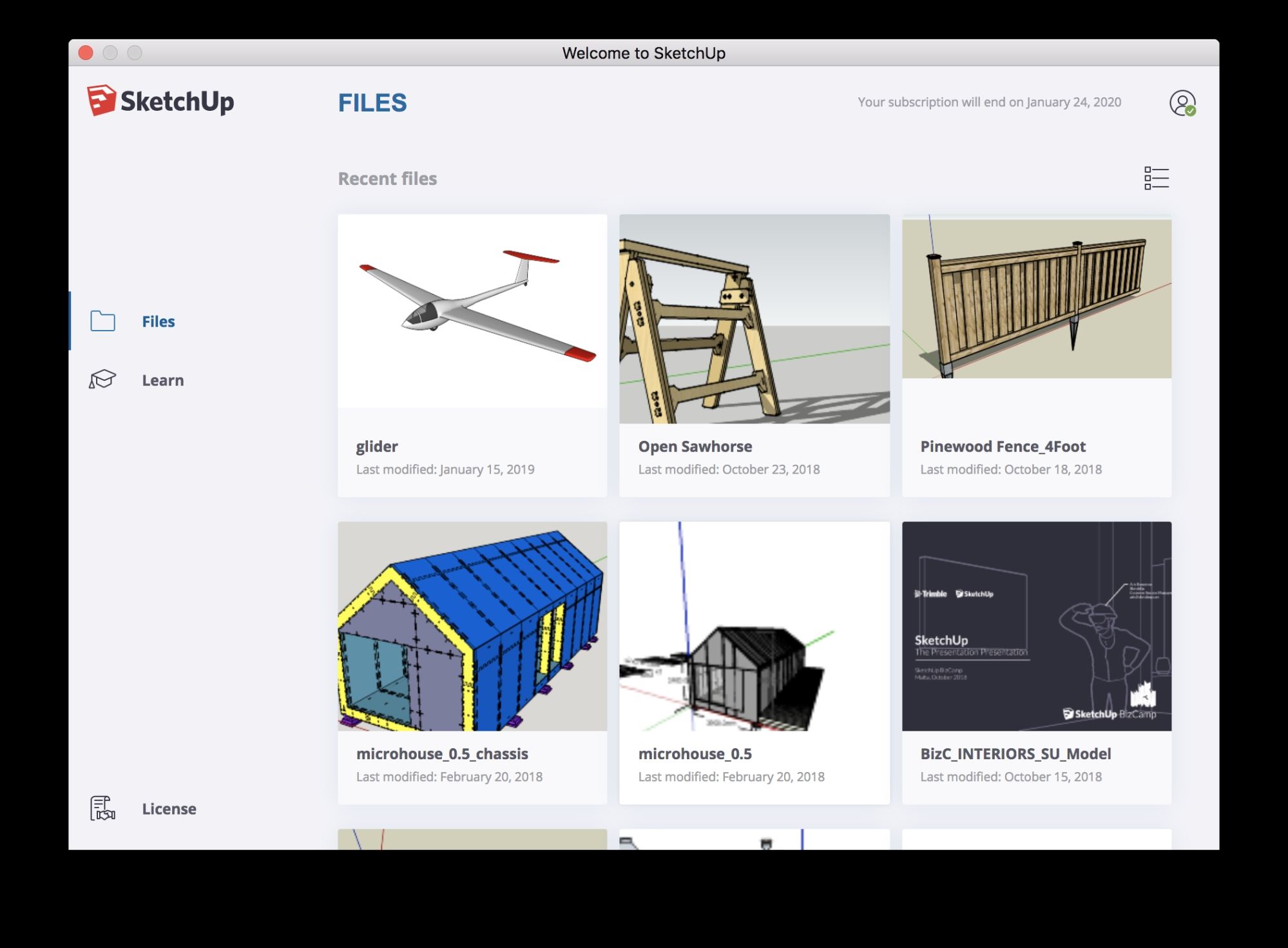
Sign in, and get modeling! Everything you do in the SketchUp-iverse is now tied together with one single account to make modeling, viewing, and account management [and beyond!] a seamless process. You'll also notice an upgrade to your welcome window. You'll find your recent projects easily, and lots of helpful content along the way.
Brand-spankin’ new for 2019, SketchUp Pro & LayOut: Layers now have dashed lines. A long requested feature, dashed lines allows you to simplify your drawings with effective drawing communication. Take a deep dive into the new feature.
The Tape Measure tool got a facelift this year, too. Now you can see measurement info right where you’re modeling. Model more accurately — and more efficiently — right where you’re working.
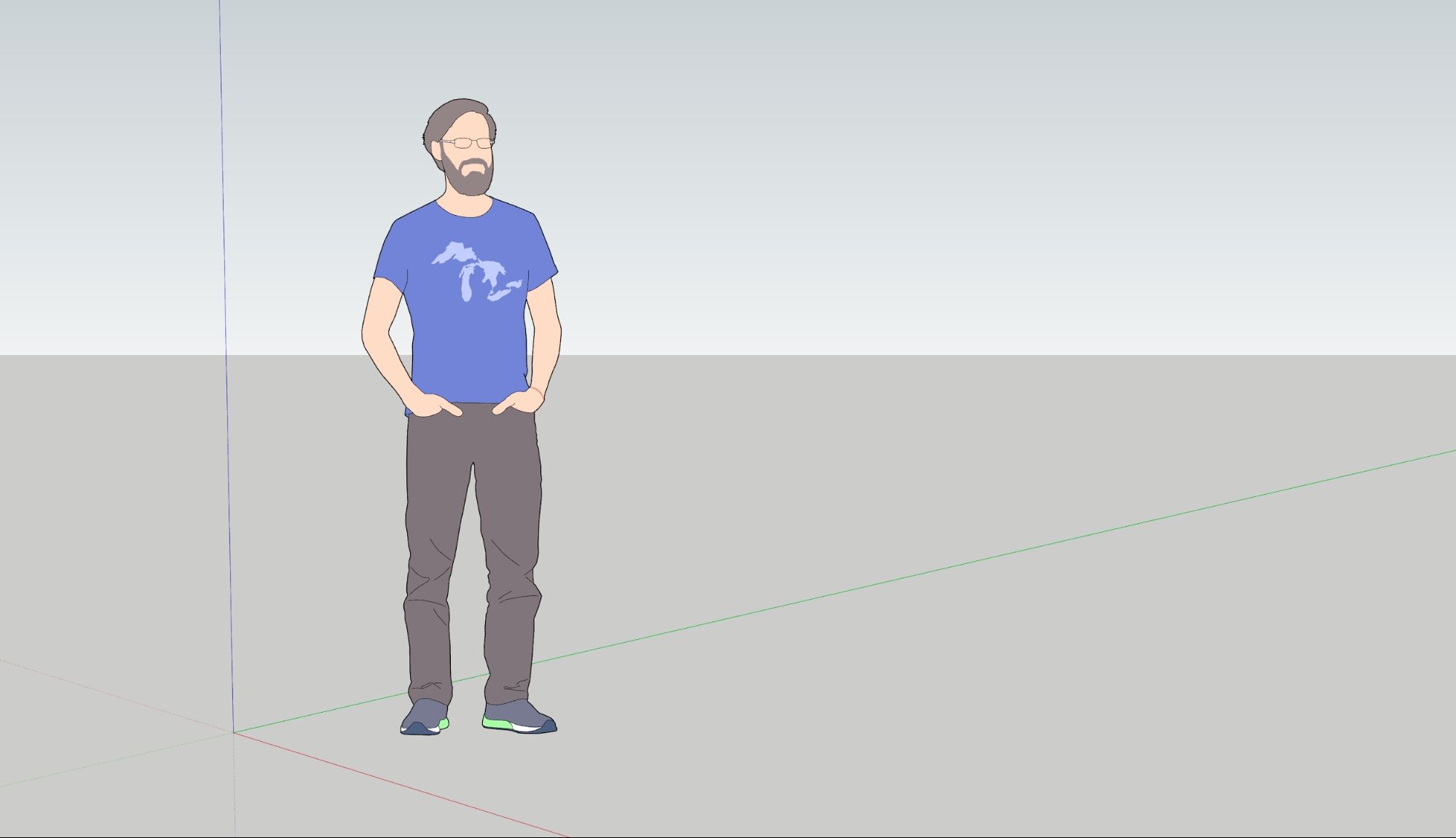
Say hello to Marc, our SketchUp Pro 2019 Scale Figure.
LayOut
New for 2019, LayOut will let you know which files are already open so you’re not creating multiple versions. Looks like someone’s projects just got a little bit smarter.
Also, in both SketchUp and LayOut we have made a boatload of improvements to our .dwg import and export feature. Including but not limited to support for AutoCAD 2018 file format, increased precision, and stability while minimizing data loss. We added the ability to import and export materials for better BIM interoperability and workflows.
The handshake between SketchUp and LayOut has improved by creating an “Export for SketchUp” feature for our .dwg exporter that sends all LayOut entities along with any SketchUp viewport data to the model space. Now any filled shape created in LayOut will be passed over to SketchUp as a face ready to be Push/Pull’d. So now, SketchUp & LayOut work even better together.
Also new this year, a handy way to learn the basics of LayOut. New Year’s resolution or not, it’s time to go 2D. What are you waiting for?
Trimble Connect
Your new BIM BFF, Trimble Connect welcomes you to your new world of efficient workflows & cloud collaboration. Our 3D modeling sharing and document management tool, Trimble Connect is specifically focused on projects related to building design and construction. That’s right, it’s made just for you. Bonus: as a SketchUp (Shop, Pro, Studio or Enterprise) subscriber, you get unlimited (that’s right unlimited) storage space.
Get to know Trimble Connect.
Now, you can use Trimble Connect to back-up, control versions, and share your SketchUp files. This also means you can effectively work between desktop and web.
SketchUp Viewer for AR/VR
SketchUp Viewer is now available on more Virtual Reality headsets than ever before! And, you have access to every single one with a SketchUp Pro subscription. Oculus, Windows Mixed Reality, VIVE, and Hololens are all running SketchUp Viewer. So step into your alternate reality, and experience your project in real-world scale, right where it’s going to be built. Read more about our Viewer apps and get your device hooked up!
SketchUp Campus
Better than textbooks: our official learning hub is here. SketchUp-built courses, all created by our in-house team, make learning SketchUp convenient and simple in 104 languages. And we’re always making more!
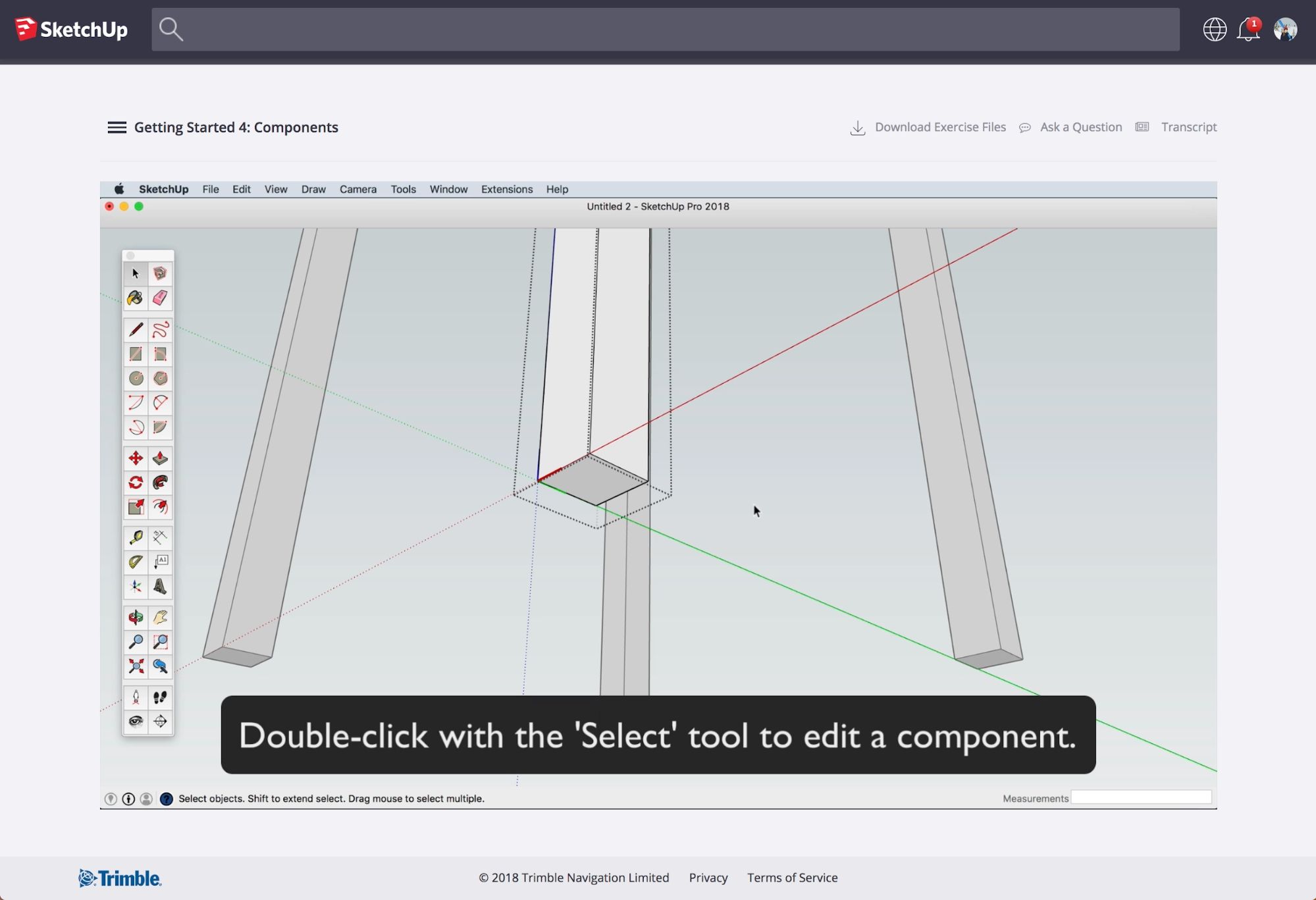
Read a 101 on SketchUp Campus, or dive right in!
3D Warehouse
With millions of models and 17 languages, it’s not always easy to find exactly what you’re looking for on 3D Warehouse. That’s why we created categories. This update boasts better browsing, search refinement, subcategories, and filtering by real products. This year, 3D Warehouse enables you to spend less time searching and more time creating.
Hop over to the Warehouse to give it a try!
Sefaira
Are you working in a firm that has a focus on performance-based design? We like your style. Now you can get Sefaira as a subscription through SketchUp Studio. Read all about it here, and contact sales when you’re ready to learn if Sefaira is right for you.
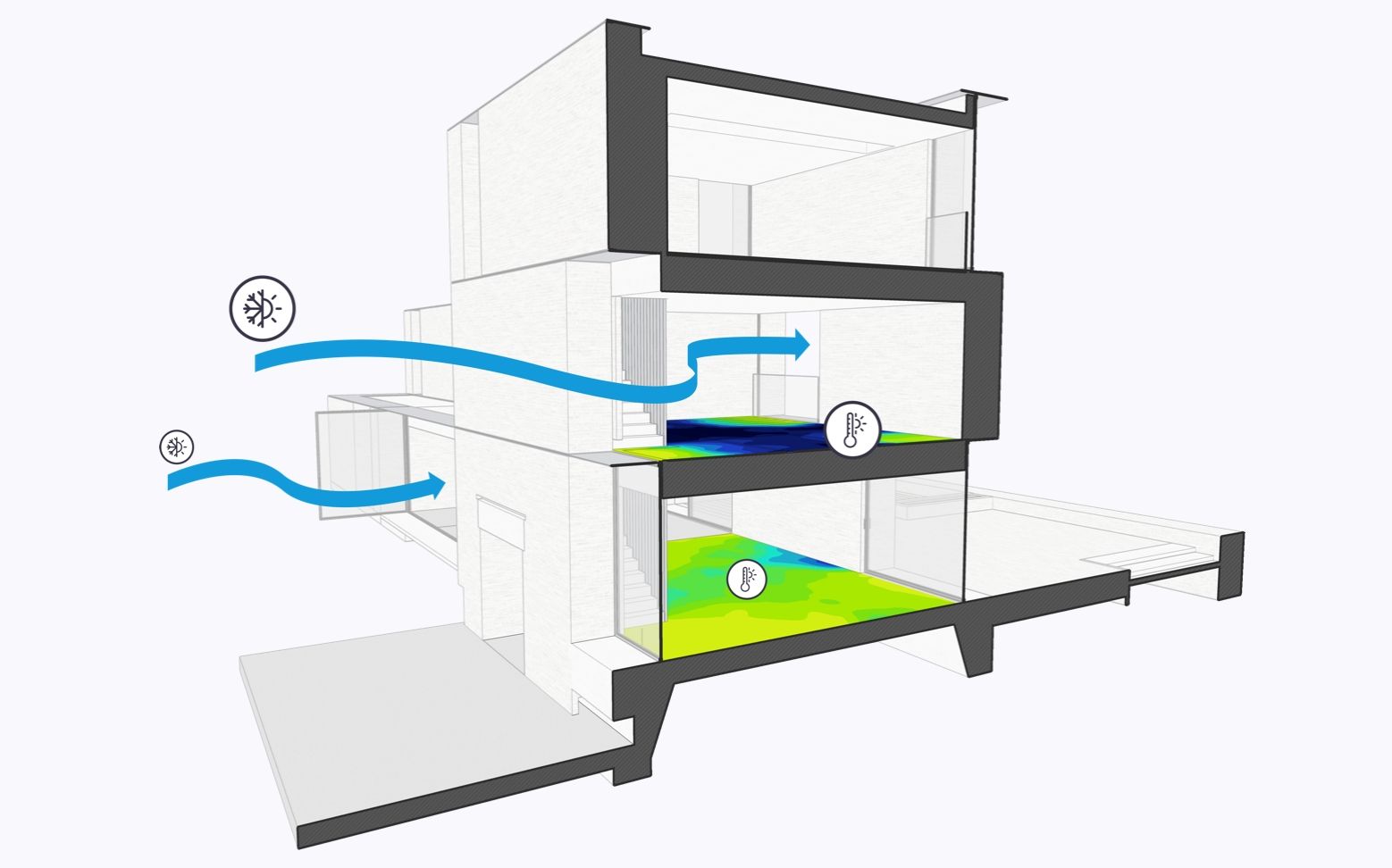
Building performance analysis at your fingertips with Sefaira in SketchUp Studio.
Phew! That’s a whole lot of new things for you to explore. So explore the subscription options, and start your free trial.
Ready for the new SketchUp? If you’re active on your Maintenance and Support (M&S), Contact Sales to switch to a subscription Or, renew M&S on your perpetual license.
SketchUp is where great ideas get to work. What will you create?