Working remotely (from home or otherwise) can either be a dream-come-true, not-so-ideal, or your standard work mode. Whatever bucket our global SketchUp community falls into, we’ve got a few collaboration tricks up our software sleeves that will help you make the most of remote working.
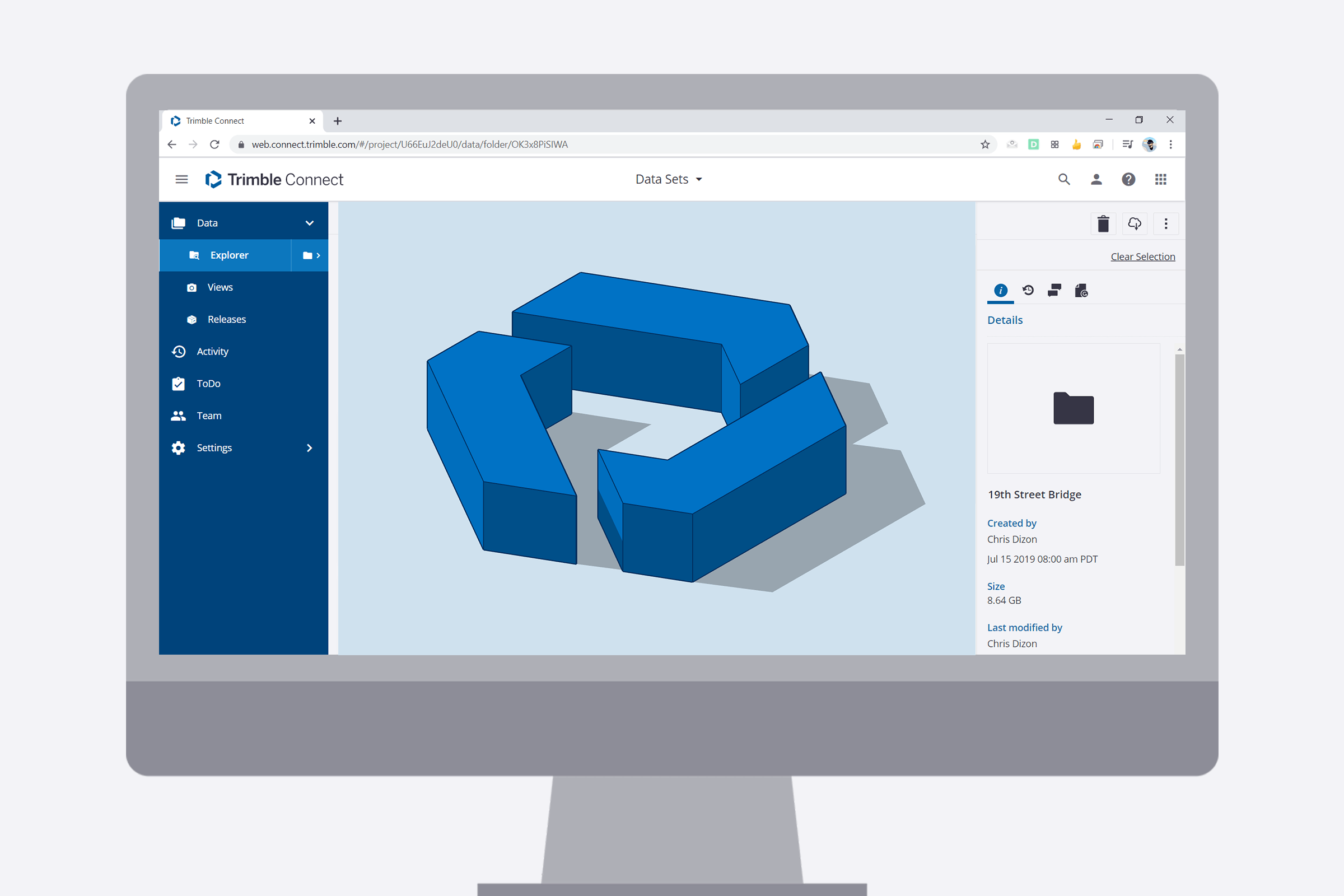
Trimble Connect is a powerful tool within the SketchUp ecosystem that allows you to store all of your project files and information.
How to access Trimble Connect from SketchUp? If you have an active SketchUp subscription, Trimble Connect is already available to you. Simply launch SketchUp Pro, and click on File > Trimble Connect to launch the cloud toolbox.
Now let’s dive into 7 tips that will help you stay productive and connected to your team while you #OrbitFromHome!
1. Take advantage of unlimited cloud storage
Yes, you read that right. That’s unlimited cloud storage for any number of files, of any size. With Trimble Connect you can securely store models, image libraries, project references, and work files in the cloud. All of this is immediately accessible to you and any collaborator you chose to share it with. Set up hourly, daily, or weekly syncs to ensure you always have the latest file versions.
Simply access Trimble Connect via SketchUp and sync your data straight to the cloud.
2. Keep track of model versioning
So you’ve downloaded a work-in-progress model from the cloud and are exploring multiple options. You need to keep track of a gazillion iterations — some are saved on your external hard drive, others on your personal computer, and one with review notes that your colleague emailed over.
The good news? Instead of juggling files in all those different locations, you can publish your models straight from SketchUp into Trimble Connect. By creating a single ‘point of truth’, you can easily keep track of file versions, share models with your team, and avoid working on outdated files. (Win!)
3. Model collaboratively
Click the link to watch the video.
Working remotely shouldn’t lead to collaboration hiccups — you can stay anchored while working with other specialists, consultants or colleagues. By importing a reference model from SketchUp to Trimble Connect, you create a fixed spine around which each collaborator contributes.
4. Centralize your library of SketchUp assets
Click to watch the video.
Bring home the files that make your workflow quick and seamless. Architectural entourage, scale figures, groups, and components can be managed and shared as a central library of assets, all within Trimble Connect.
Instead of linking your SketchUp components folder to a central server location that might be inaccessible when working remotely, sync it straight to a folder in Trimble Connect. Access and update it from anywhere.
5. Maintain effective project communication
Team discussions don’t have to be sacrificed just because you’re not collaborating in person.
Annotate shared models, review and respond to comments, and keep track of project progress. Use Views (think of these like Scenes in SketchUp) to share a specific aspect of your project with stakeholders to visually communicate a detail, change, or to-do.
Unlock new levels of coordination by managing file permissions, giving access to the right collaborators, and even creating groups for particular tasks with specific edit-rights.
6. Access on all devices
We’re all for a healthy work-life balance. If, however, you’re hit by a stroke of genius during your downtime, you can continue to make progress on whatever device is within reaching distance from your desk, sofa, or garden table. Pull models down from the cloud to your desktop or laptop for edits, or make annotations and review comments on an iPad.
7. Get set up without any IT hassle
Getting on remotely without a whiz tech team? You can start using Trimble Connect with SketchUp without an elaborate VPN setup or hi-tech device requirements. All you need is an internet connection and your SketchUp access — quick and easy!
Ready to access the latest and greatest in remote architectural collaboration? Get started with a free trial of SketchUp today.
Tried it yet? Hashtag your SketchUp projects #OrbitFromHome and tag us for a chance to be featured on our social channels. Happy remote working!


