Updated icons refresh the SketchUp for Desktop and LayOut interface. New modeling elements in SketchUp for Desktop and custom rendering controls in LayOut offer a performance-focused release for 2023.
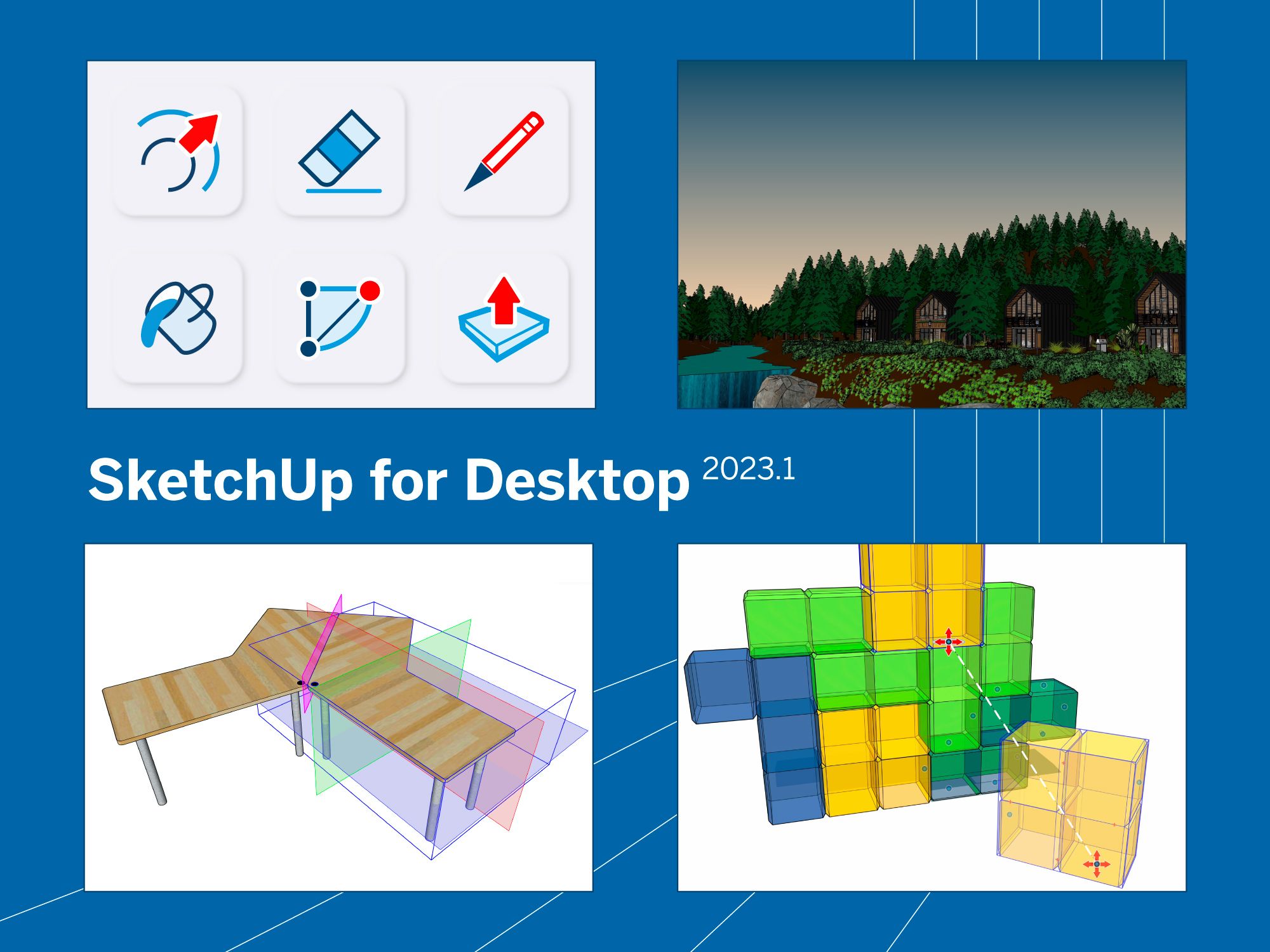
New to SketchUp for Desktop are redesigned icons and custom grips called Snaps that help you easily connect groups or components in predetermined ways. Anyone who wants to speed up their documentation process will appreciate the performance enhancements to LayOut, including custom rendering controls. Plus, we've added a style feature that will expand your (color) horizons and developed a few all-around tool upgrades.
What's new?
Check out our new iconography, learn about Snaps, tune your model’s mood with Horizon Color, and discover enhancements to existing tools.
Icon refresh to SketchUp's user interface
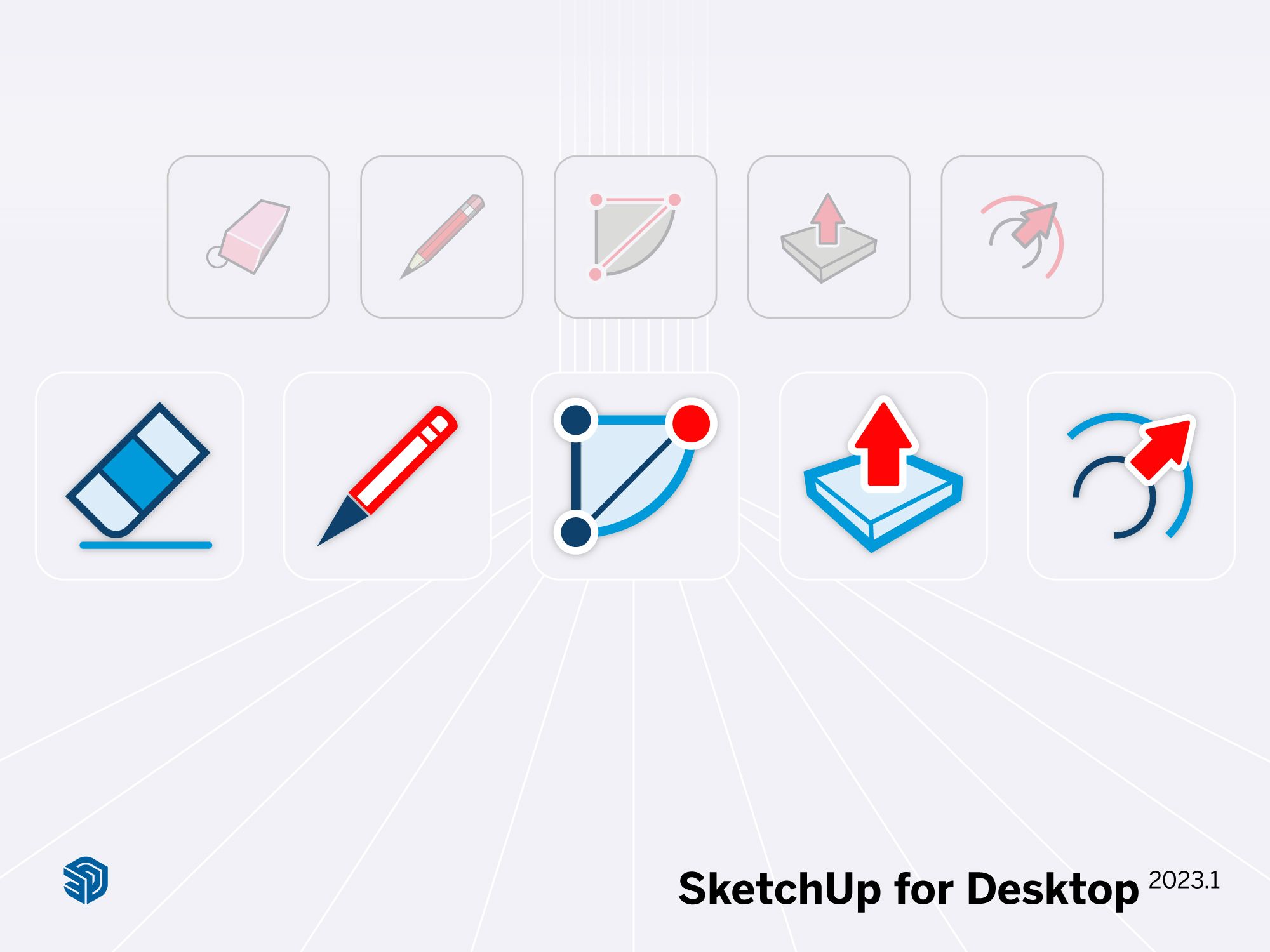
New icons for Desktop and LayOut refresh the user interface.
Outside of scale figures and the axes, SketchUp's icons are likely your closest companions throughout the creative process. Recognizing the Push-Pull, Paint Bucket, or Follow Me tools at a glance and their keyboard shortcuts are one of the keys to unlocking SketchUp’s powerful, efficient modeling. We know you rely on this familiarity, so we don't make changes to our user interface lightly.
For the first time in 11 years, icons in SketchUp for Desktop and LayOut got a total makeover. The updated icons won't change the size or layout of your toolbar, so you still have ample modeling space and the option to reorder tools based on your favorites. It's a modern look that maintains the functionality you already know.
We know change can be a little tricky, so here are some quick reference guides for SketchUp for Desktop and LayOut that will help you familiarize yourself with the new icons and learn shortcuts you may not have known. If you don't immediately spot an icon or aren't sure what to look for, just use Help > Search to look it up!
Move as fast as your imagination can
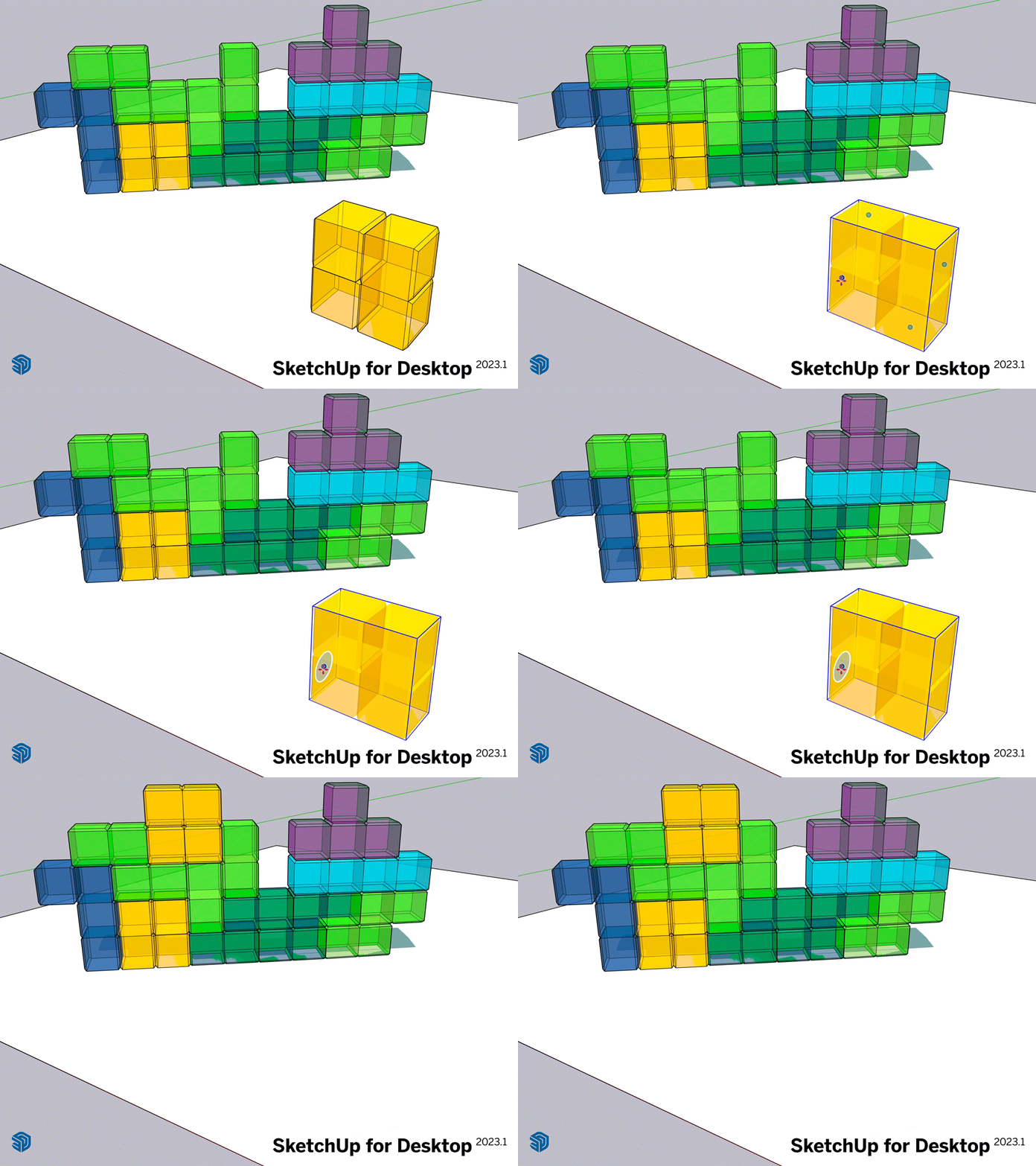
Snaps are new SketchUp entities that let you position and orient objects in a single operation.
As you orbit around your evolving designs, reorienting objects relative to one another is a constant task. Snaps ease the burden of switching between different tools to perform multiple transformations on an object. You can now create modeling systems designed to interact efficiently and predictably in your design with pre-defined orientation logic.
For example, suppose you are planning a school and need to orient and place custom light fixtures that don't have clear inference points. Snaps let you define the light's position relative to the ceiling or wall and have that behavior persist every time you place it. You can replicate the action across all classrooms and have the light snap into place in one operation without thinking about how it sits every time. Embed Snaps into a lighting system via groups and components to position and orient all fixtures simultaneously.
Learn how to use Snaps in this introductory video.
Three reasons to snap
Lay out objects in existing spaces. Align (ir)regular objects relative to walls, floors, or ceilings without creating new inference points. Moving counters, shelves, and furniture around with Snaps makes it easy to shuffle objects quickly until you find the optimal layout.
Develop component modeling systems for design development or complex configurations. Design pre-configured or easily-configurable modeling systems that can help you efficiently lay out complex networks of entities like facade panels, landscaping, furniture, roadways, tiles, and more. Snaps are particularly useful for components with end-to-end connections, like shelving systems in logistics warehouses.
Explore spatial concepts. Larger forms can be constructed and explored using repeated modular building blocks. Snaps make it easy to lay out and study options quickly.
Snaps help create models that are faster to place and reconfigure so that you can operate at the highest level of creative productivity.
Add flair with Horizon Color
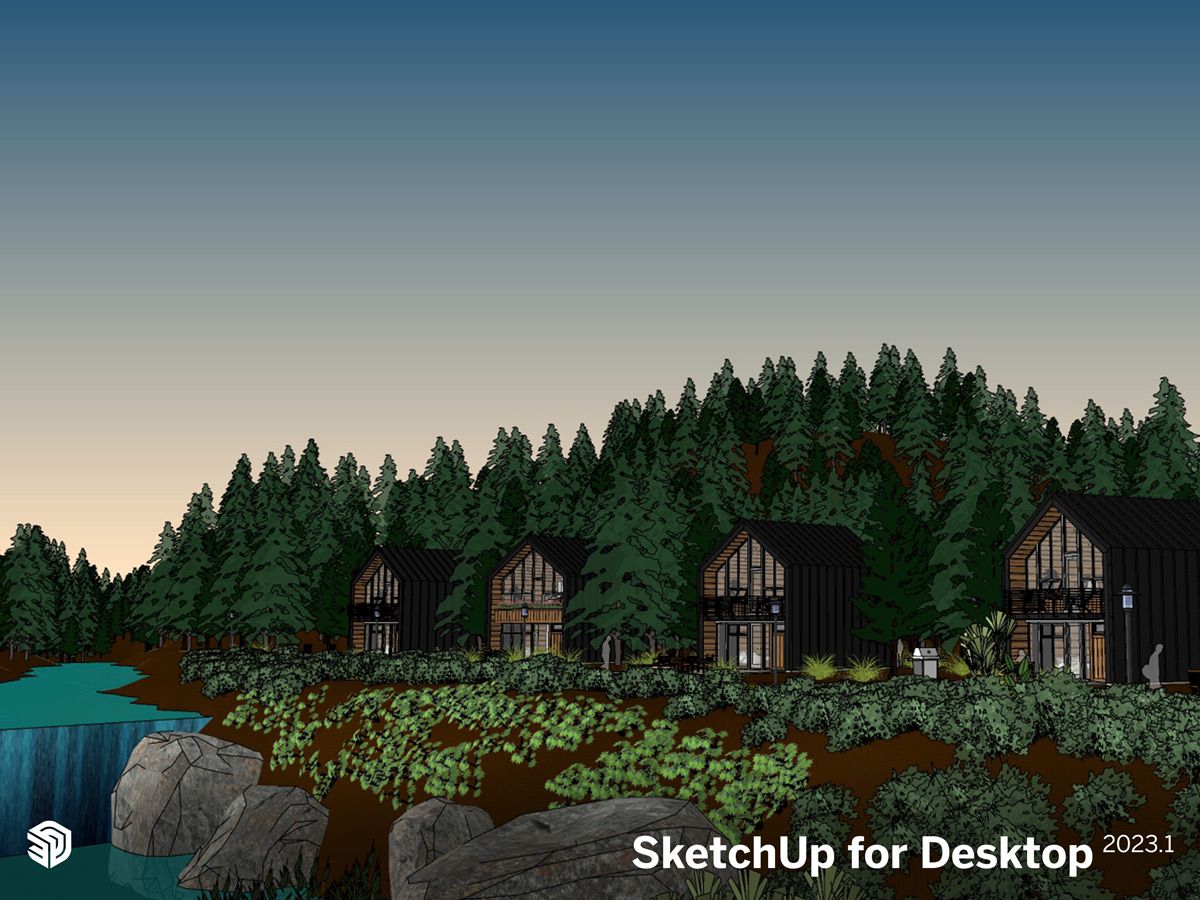
Learn how to use the new style Horizon Color.
Horizon Color allows you to tune the sky in SketchUp, complementing custom backgrounds with dark or colorized effects to help you communicate the perfect mood. Convey broody skies or a clear, sunshiney feeling by evoking emotion with color using this new style property. On iPad, Horizon Color enables users to create styles that better complement dark mode.
What's improved?
SketchUp 2023 enhancements boost LayOut performance.
We know performance and efficiency are two critical pieces for your creative process. That's why we're excited to introduce two new updates to LayOut.
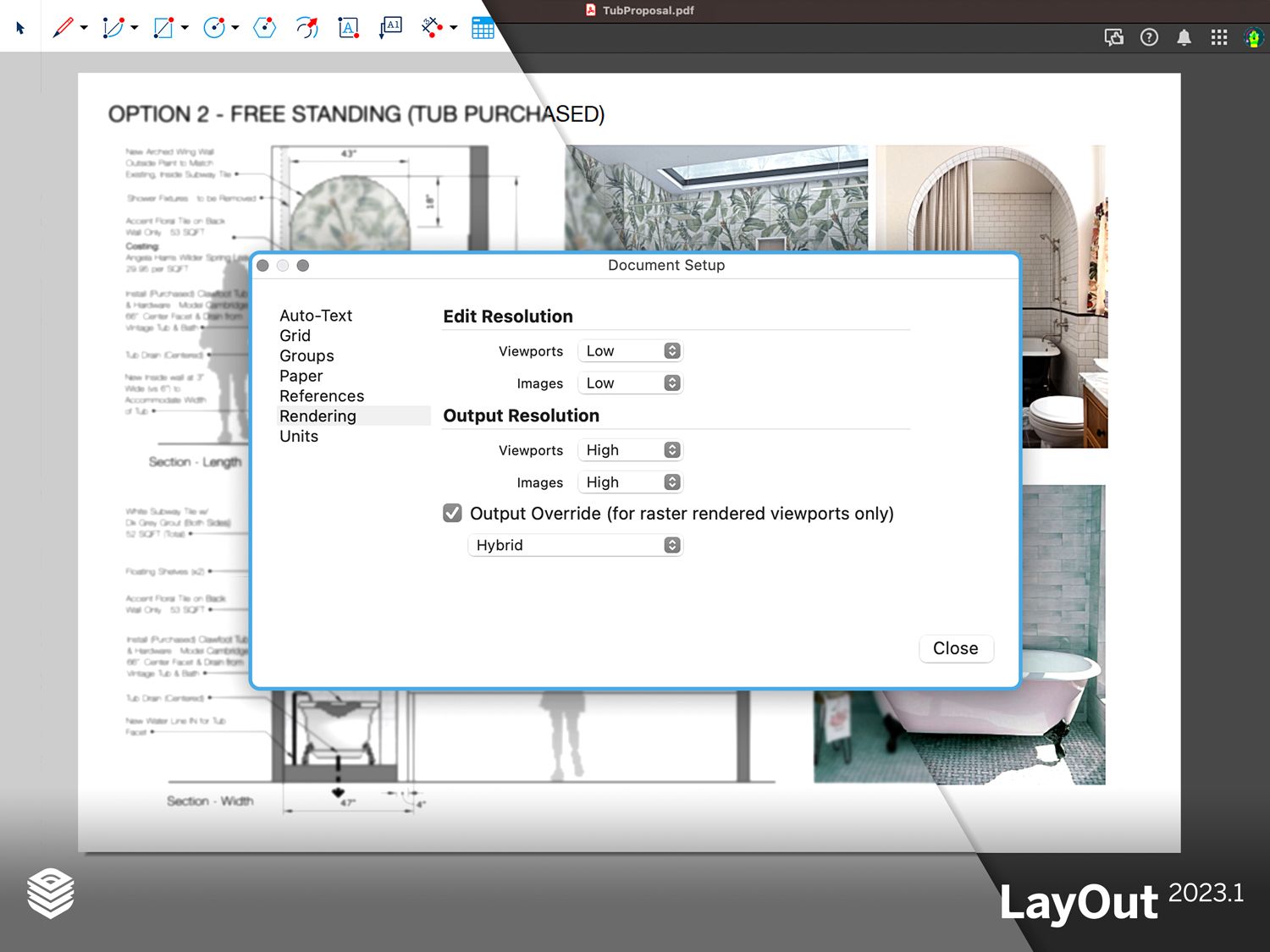
Select different rendering resolutions for Edit and Output modes. Speed up creation without sacrificing the quality of your final document.
LayOut: speed up with custom rendering controls
Refined rendering controls deliver more efficiency for documentation workflows. In a new document setup tab called Rendering, set your viewport resolution to low or medium and keep exports set to high quality, eliminating the need to switch back and forth between working and exporting assets. The lower edit resolution gives you the speed of a lighter-weight file while working on a heavy-duty LayOut page. Without changing settings, you can power up to a higher resolution when exporting that beautiful, presentation-ready document for a client.
LayOut: streamline updates with auto-associate labels
Drop an Auto-Text title group or individual label onto a viewport and never worry about manual updates again. Any changes to the viewport will trigger an automatic update to the linked annotation.
We've added more automation for labels sourced from Scrapbooks and copies, so you don't have to manually update annotations like titles or scales — a huge timesaver for maintaining large document sets. This update ensures that once elements are dragged onto a specific viewport on a LayOut page, annotation elements remain linked to the viewport, and changes to the viewport will trigger an automatic update. Plus, Scrapbooks now take advantage of scaled groups and can easily be resized to a specific scale. All these enhancements reduce the chances of mismatched labels and viewports and the number of manual updates you need to make, speeding up document creation in LayOut.
Much-requested tool improvements
We constantly work to improve your design experience by listening to your feedback and creating the necessary tools. A much-requested update to the Flip tool, Custom Flip Plane, allows you to select a custom plane (beyond the X, Y and Z axis) about which to flip an object. Flipping in any direction — not just at 90 degrees — gives you more control and creative freedom while modeling. We also paid some attention to the Lasso tool. The Polygonal Lasso tool allows you to create selection bounds one click at a time, delivering more selection precision with a mouse or trackpad.
Snap to it!
These new updates in SketchUp for Desktop speed up your design and documentation workflows so you can get back to what you do best: creating and building for the future. If you're using an older version of SketchUp, check out our subscription options to take advantage of these capabilities. If you have a subscription, visit My Apps to update to the latest version.


