Following our 2021 release in November and a Studio release in April, we're pleased to announce some more updates to SketchUp. With this release, our aim is to improve the uniformity of how the tool works, increase workflow efficiency and take advantage of SketchUp's learnability. Read on for more information.
Changes to SketchUp's modeling modifiers
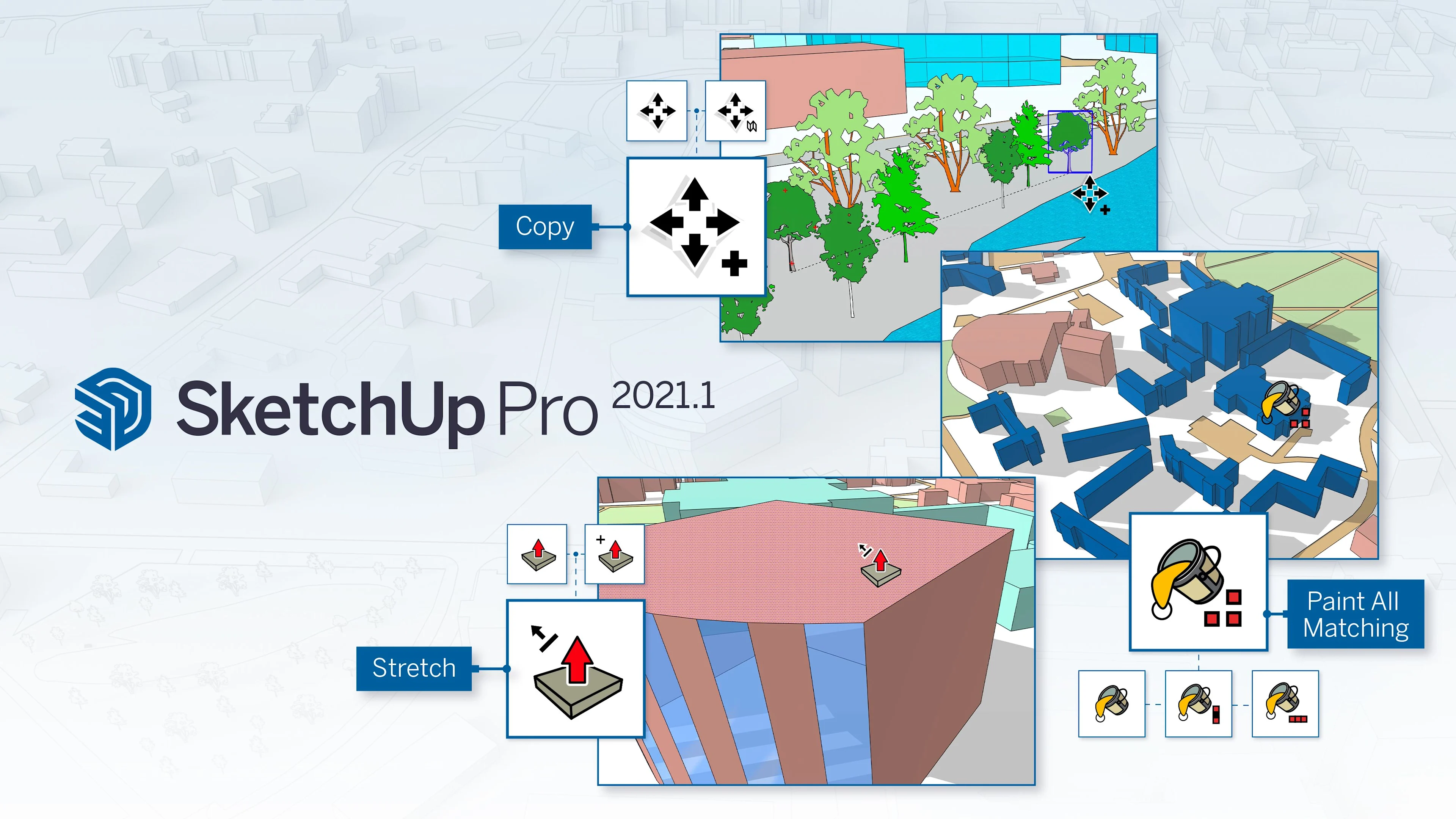
In SketchUp 2021.1, we've changed the way ten essential tools work in modifier states. For example, SketchUp's Move tool can also function as the Copy tool. And with a modifier, Push/Pull actions can create new faces in the extrusion. You can read all about the specific changes to each tool in the release notes, but here are the highlights:
Alternating modifiers
The most obvious change is that there are more tool modifiers with toggle behavior that can be activated and deactivated with the press of a key. This means fewer press-and-hold modifier interactions for tools and more predictable modeling results.
In any tool, you can identify which modifiers are available in the Status Bar (at the bottom of the screen) and confirm the current modified state of the tool by examining the cursor or modeling behavior on the screen. With more modifiers with toggle behavior, we believe it will be easier to change the tool's state before completing a particular operation.
Persistent modifiers
We now maintain the states of the modifier tools in various operations. This means that you can make multiple copies of objects with Move or hide edges with Erase in display changes with the Orbit tool.
How to use the Move tool.
How to hide borders with the Erase tool.
To exit a modifier state, press the modifier key again or change tools.
Prior locking inferences
As you may already know, several SketchUp tools make it possible to "pre-lock" an inference direction or drawing plane. In this version, we have started to apply this standard to other tools. It is now possible to pre-lock an inference direction before clicking with the Line, Tape Measure and Move tools.
Push/Pull updates
In SketchUp 2021.1, you'll probably notice some differences in Push/Pull. In addition to making the Push/Pull Copy modifier a persistent toggle, we've also formalized the Push/Pull function's hidden modifier, Stretch.
Stretch is a modifier state that has been present in SketchUp for years, but has never been referenced in the Status Bar or the Push/Pull cursor. "Stretching" a face is the approximate equivalent of moving a face perpendicular to its drawing plane and especially useful in the early stages of shape development.
In addition to the Push/Pull improvements seen above, we've also made a change to the front face orientation when modeling in SketchUp. SketchUp will now always orient newly-drawn faces with the front side facing up when drawing on the floor plane, and with the front face "facing" the camera in other cases. For example, if a face is drawn over the top of an existing face, the new face will still inherit the direction of the face it is drawn over. Push/Pull and Follow Me operations behave more predictably with these changes, resulting in correctly oriented faces.
Watch our Skill Builder to see exactly how these tool update and modeling behaviors will affect your workflow.
Improved performance on large mesh lengths
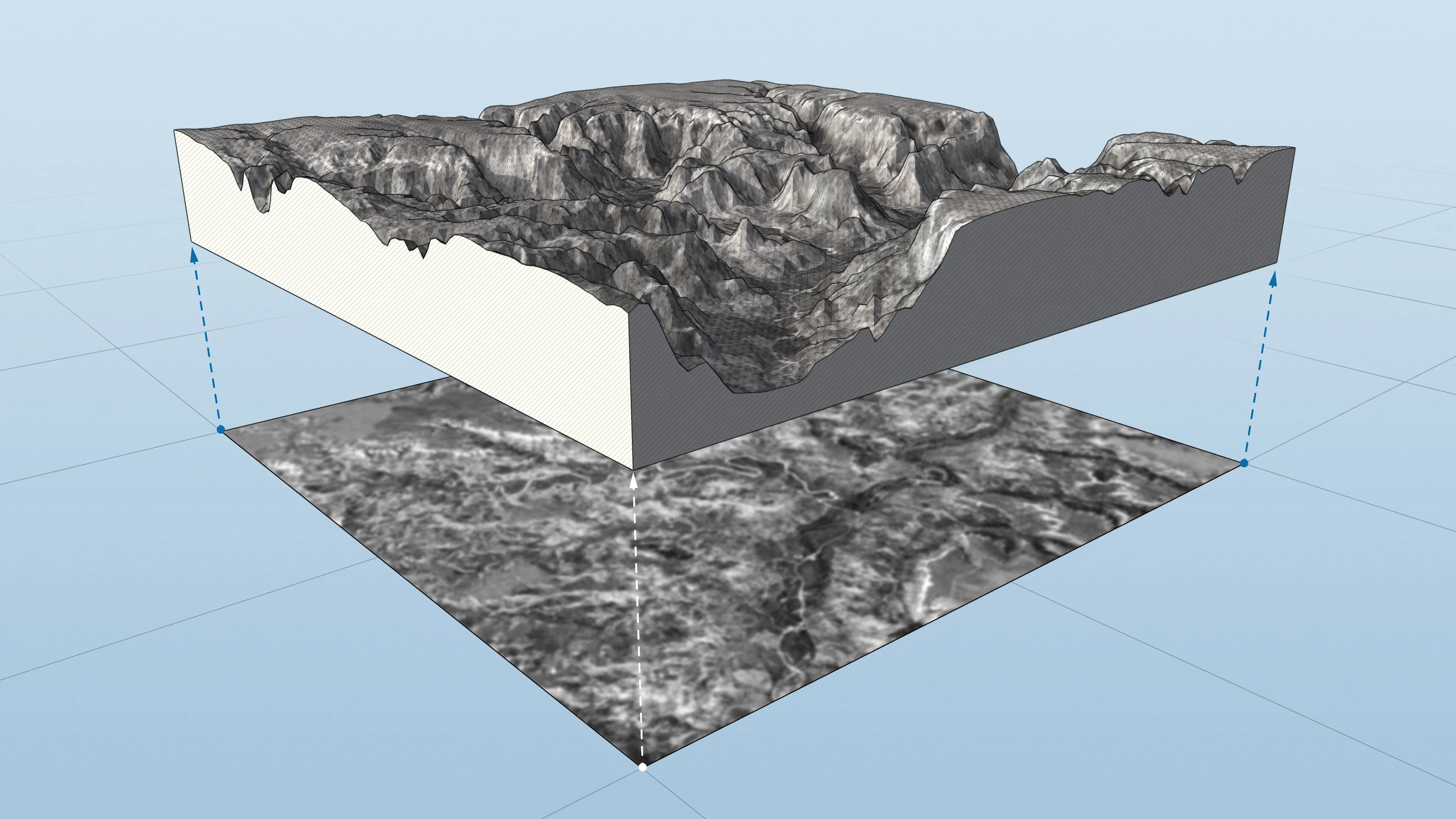
Some SketchUp extensions are designed to create or manipulate large amounts of geometry. Of course, the more mesh an extension adds to SketchUp, the longer it takes to generate. We are pleased to announce an improvement in the level of efficiency of large mesh generation by the SketchUp API. The improvement is most evident for meshes containing more than 20,000 polygons. If you're willing to explore the new API, check out extensions such as Artisan, SubD, Bezier Surface and Skimp.
Updates to the Extensions menu
Going forward, the Extensions menu header will always be visible, regardless of whether the extensions are installed or not. We've also relocated the extension management and developer tools to this menu.
We're not forcing developers to put extension commands in the Extension menu, but it is a best practice. Speaking of best practices, we recently published our UX Extension Guidelines. We want to help developers make extensions that work predictably in SketchUp.
Unit conversion of dynamic components
Dynamic Components continue to evolve in SketchUp Labs to become more useful. Specifically, dynamic component parameters now display the same unit format that you are using in your SketchUp model. So when you're aligning a measurement with the Tape Measure tool, it's much quicker to type that measurement into a Dynamic Component parameter.
2021.1 also brings an improvement in design time when editing the Dynamic Component.
If you haven't explored Dynamic Components yet, you canfind out moreabout them in the 3D Warehouse.
Classification and export of IFC 4
In addition to compatibility with the IFC 2x3 scheme and file format, SketchUp Pro now has an IFC 4 classification set and the ability to export IFC 4 files.
Learn more about using IFC types with SketchUp's Classifier tool.
Layout improvements
In 2021.1, we introduced a faster way to set the scale of a viewport. You can now type in the desired scale on the Camera tab of the SketchUp model panel. This new type-to-input function will parse multiple entries in an organized way: 1:50, 1" = 50", 1/50, .02, 2% or even 6" = 25' will quickly apply a scale of 1:50 to a viewport.
In addition, in January we released an update that improved the performance of LayOut's ability to make inferences from SketchUp viewports.
As you can see, we are actively evolving SketchUp to offer a better 3D modeling experience. Your feedback is important to us. Let us know how these updates have affected your modeling in the forums.
To see all our updates, including bug fixes, please consult the full release notes.
